Facebook post image size
A Facebook post image works best at 1080 × 1350 px (4:5) or 1080 × 1080 px (1:1). For feed ads Meta recommends 1440 × 1800 px (4:5), and for link previews at least 1200 × 630 px.
Updated
All sizes at a glance
Meta publishes exact feed specs only for ads, but the guides we checked agree on 4:5 and 1:1 for organic posts. The table also covers landscape images and link previews.
| Use | Size | Ratio | Note |
|---|---|---|---|
| Portrait (recommended) | 1080 × 1350 px | 4:5 | |
| Square | 1080 × 1080 px | 1:1 | |
| Landscape | 1080 × 566 px | 1.91:1 | |
| Feed ad | 1440 × 1800 px | 4:5 | Recommended by Meta for Facebook Feed image ads |
| Link preview | 1200 × 630 px | 1.91:1 | Meta's recommended minimum for sharp link previews |
Limits and safe zone
- File types
- JPG, PNG
- Maximum file size
- 30 MB for feed ads (Meta)
- Minimum for ads
- 600 px wide and 750 px tall at 4:5
- Ratio tolerance for ads
- 3%
Semurai Canvas
Design it in Semurai Canvas
Start at the exact size, from a template or a blank page, and apply your Brand Kit: logo, colours and fonts. The AI chat edits the design when you ask.
Pick the “Instagram: post” preset (1080 × 1350 px) when you create a design.
These templates come with an “Apply my brand” switch.
After sign-up and a short brand setup, Canvas opens a blank 1080 × 1350 px design.
Already have an account? Open Canvas at 1080 × 1350 px
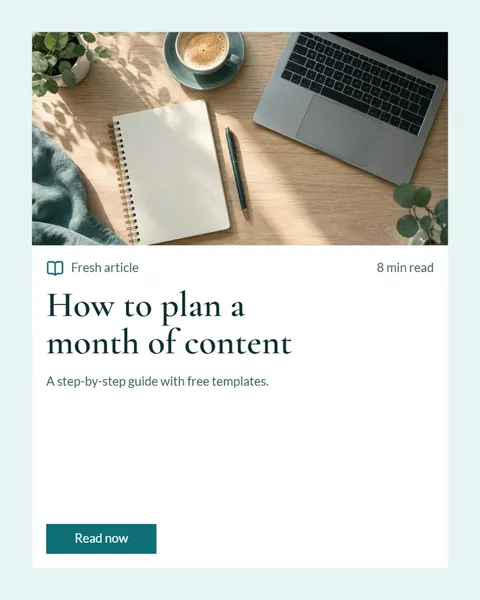
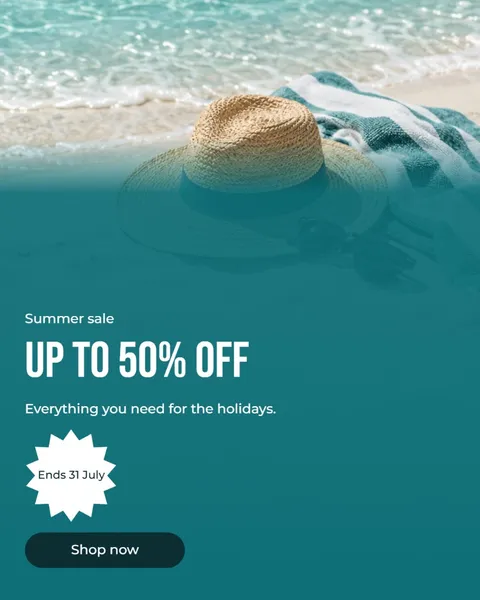
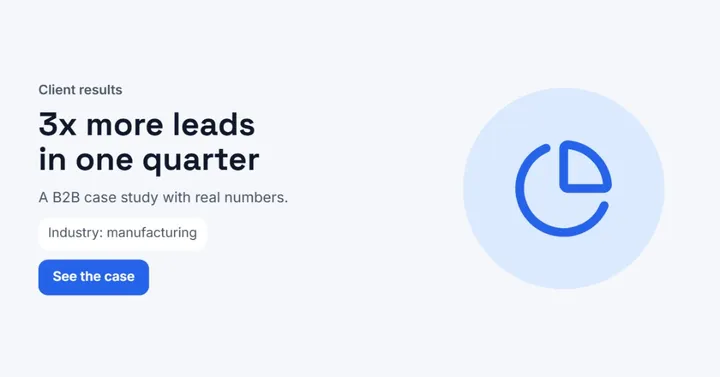
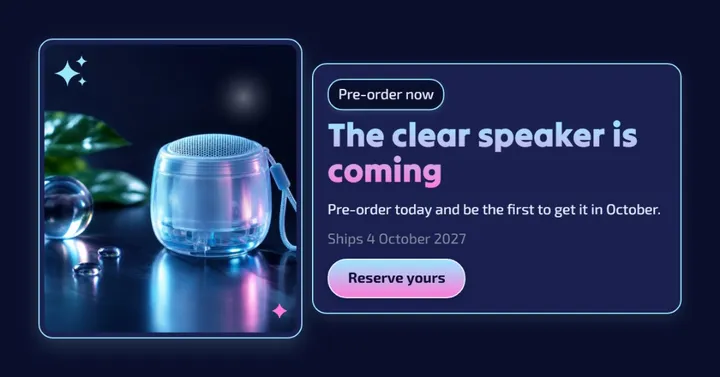
Templates to start from
What size is a Facebook post?
Use 1080 × 1350 px (4:5) for a portrait post or 1080 × 1080 px (1:1) for a square one. 4:5 is also the ratio Meta specifies for Facebook Feed image ads, so a portrait post can be boosted later without a new layout.
Landscape images work at 1080 × 566 px (1.91:1). They take less height in the feed, so they suit wide photos better than graphics built around a message.
Facebook feed ad image specs
For Facebook Feed image ads Meta recommends 1440 × 1800 px at 4:5. The image must be at least 600 px wide and 750 px tall at 4:5, and Meta allows a 3% tolerance on the ratio.
Files can be JPG or PNG up to 30 MB. A 1080 × 1350 px post has the same 4:5 shape, so the layout carries over; for an ad, design at 1440 × 1800 px from the start.
Link previews: 1200 × 630 px
When you share a link, Facebook shows the page's preview image. Meta recommends at least 1200 × 630 px (1.91:1) for the best display on high-resolution screens, and the image is set on the website, not in the post.
If you post a graphic instead of a link, the feed sizes above apply.
Tips
- Make one 1080 × 1350 px image for Facebook and Instagram; both feeds accept 4:5.
- For ads, keep the ratio within Meta's 3% tolerance of 4:5.
- Use the same ratio for every image in a multi-photo post so the set looks consistent.
- Export PNG for graphics with text and JPG for photos.
How to make it in Semurai Canvas
- Create a design in Semurai Canvas and pick the “Instagram: post” preset (1080 × 1350 px); it is the same 4:5 size Facebook uses.
- Choose a template or start blank, then switch on “Apply my brand” to bring in your logo, colours and fonts.
- Export a PNG or JPG, or use Resize to make a square or landscape copy of the same design.

FAQ
Questions about this size
What is the best image size for a Facebook post?
1080 × 1350 px (4:5) for a portrait post and 1080 × 1080 px for a square one. 4:5 is also the ratio Meta specifies for Facebook Feed image ads.
What is the Facebook post aspect ratio?
Portrait posts use 4:5, square posts 1:1 and landscape posts 1.91:1. For feed ads Meta recommends 4:5.
What size should a Facebook ad image be?
1440 × 1800 px at 4:5, Meta's recommendation for Facebook Feed image ads. The minimum is 600 px wide and 750 px tall at 4:5, as a JPG or PNG up to 30 MB.
Can I use the same image on Facebook and Instagram?
Yes. A 1080 × 1350 px (4:5) image fits both feeds, so one design covers both platforms.
The right size,
on brand from the start.
Semurai plans, writes and designs with you. In Canvas you start at the size you need.
- Free forever plan
- No credit card
- Set up in about 3 minutes







