LinkedIn post size
A LinkedIn post image is 1200 × 628 px (1.91:1), LinkedIn’s recommended size for single image ads, or 1200 × 1200 px square; link previews use 1200 × 627 px, and documents can be up to 100 MB and 300 pages.
Updated
All sizes at a glance
| Use | Size | Ratio | Note |
|---|---|---|---|
| Landscape (recommended) | 1200 × 628 px | 1.91:1 | |
| Square | 1200 × 1200 px | 1:1 | |
| Vertical | 720 × 900 px | 4:5 | LinkedIn’s recommended vertical ad size; vertical ads show on mobile only |
| Link preview image | 1200 × 627 px | 1.91:1 | For posts with a link; must be over 200 px wide |
| Document page | 1080 × 1350 px | 4:5 | A common choice; LinkedIn publishes no page size |
Limits and safe zone
- Maximum file size
- 5 MB per image (ads)
- File types for ads
- JPG, PNG, GIF
- Document posts
- PPT, PPTX, DOC, DOCX or PDF, up to 100 MB and 300 pages
- Small images
- Ad images under 401 px wide show as a thumbnail
Semurai Canvas
Design it in Semurai Canvas
Start at the exact size, from a template or a blank page, and apply your Brand Kit: logo, colours and fonts. The AI chat edits the design when you ask.
Pick the “LinkedIn post” preset (1200 × 628 px) when you create a design.
These templates come with an “Apply my brand” switch.
After sign-up and a short brand setup, Canvas opens a blank 1200 × 628 px design.
Already have an account? Open Canvas at 1200 × 628 px
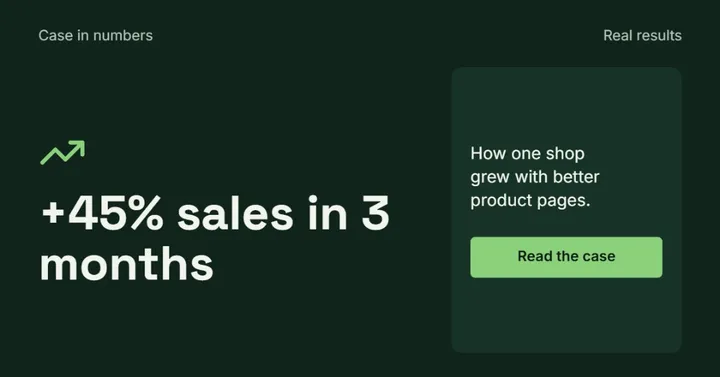
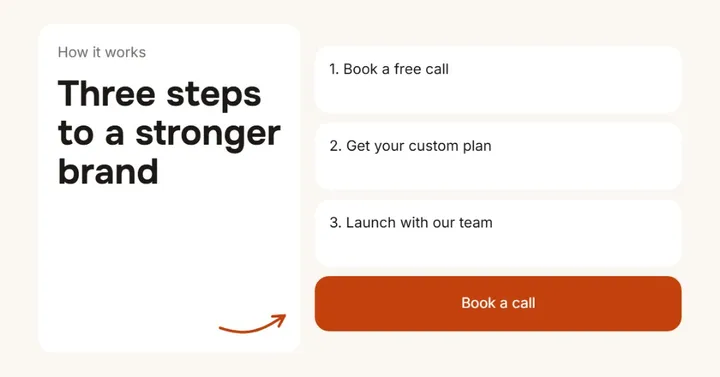
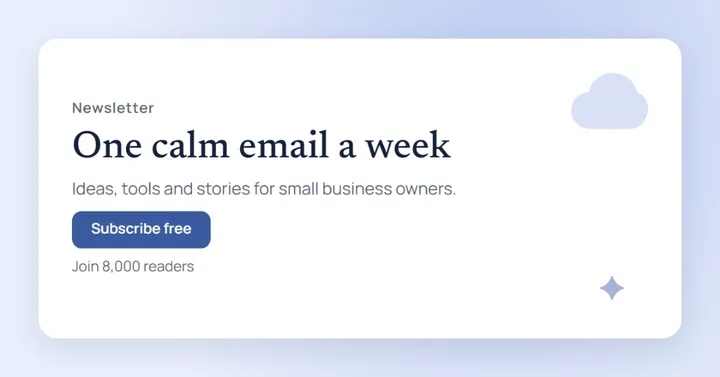
Templates to start from
LinkedIn post size for single images
Use 1200 × 628 px for a landscape post or 1200 × 1200 px for a square: LinkedIn recommends these shapes for single image ads, and they suit organic posts too.
LinkedIn does not publish sizes for organic image posts. It enlarges image-only posts to fit the feed and adds white padding around other shapes, so a standard ratio keeps your design edge to edge. For ads, 720 × 900 px (4:5) is the recommended vertical size, and vertical ads show on mobile only.
Link preview images
When you share a link, LinkedIn shows a 1.91:1 preview image, 1200 × 627 px.
On a company page you can set a custom preview image. It has to be over 200 px wide, or LinkedIn shows it as a small thumbnail. The same image works as the Open Graph image on your website.
Document (carousel) posts
A document post takes PPT, PPTX, DOC, DOCX or PDF files up to 100 MB and 300 pages.
LinkedIn publishes no page size for documents. 1080 × 1080 px squares and 1080 × 1350 px portraits (4:5) are common choices; pick one and keep every page the same. People who can see the post can download it as a PDF, so leave out anything you would not share.
Tips
- 1200 × 628 px and 1200 × 627 px are both 1.91:1, so one design covers a post and a link preview.
- Keep text large enough to read in the feed on a phone.
- Upload documents as PDF so fonts and layout stay as designed.
- Keep every page of a document post the same size.
How to make it in Semurai Canvas
- Create a design in Semurai Canvas and pick the “LinkedIn post” size (1200 × 628 px).
- Choose a landscape template or start blank, then switch on “Apply my brand” for your logo, colours and fonts.
- Export a PNG or JPG for an image post, or add pages and export a PDF for a document post.

FAQ
Questions about this size
What is the best image size for a LinkedIn post?
1200 × 628 px (1.91:1) for landscape or 1200 × 1200 px (1:1) for square. LinkedIn publishes these for ads, and they work for organic posts too. Other shapes get white padding in the feed.
What size is a LinkedIn link preview image?
1200 × 627 px, a 1.91:1 image. It has to be over 200 px wide, or LinkedIn shows it as a small thumbnail instead of a full preview.
How many pages can a LinkedIn document post have?
Up to 300 pages and 100 MB. LinkedIn accepts PDF, PowerPoint (PPT, PPTX) and Word (DOC, DOCX) files.
What size should LinkedIn carousel pages be?
LinkedIn publishes no page size for document posts. 1080 × 1080 px squares and 1080 × 1350 px portraits are common choices; keep every page the same size.
The right size,
on brand from the start.
Semurai plans, writes and designs with you. In Canvas you start at the size you need.
- Free forever plan
- No credit card
- Set up in about 3 minutes







