Instagram story size
The standard Instagram story size is 1080 × 1920 px (9:16); Meta recommends 1440 × 2560 px for story ads. Keep text out of the top 14%, the bottom 35% and 6% on each side.
Updated
All sizes at a glance
Stories fill the whole phone screen, and Instagram lays its own controls over the edges. The dashed area on the diagram is where text and logos stay clear of them.
| Use | Size | Ratio | Note |
|---|---|---|---|
| Story (recommended) | 1080 × 1920 px | 9:16 | |
| Story ad | 1440 × 2560 px | 9:16 | Recommended by Meta for Instagram story ads |
Limits and safe zone
- File types
- JPG, PNG
- Maximum file size
- 30 MB for story ads (Meta)
- Ad display time
- 5 to 16 seconds per image, or until the viewer swipes
- Minimum width for ads
- 500 px
- Safe zone
- Keep the top 14% (269 px), the bottom 35% (672 px) and 6% (65 px) on each side free of text and logos
Semurai Canvas
Design it in Semurai Canvas
Start at the exact size, from a template or a blank page, and apply your Brand Kit: logo, colours and fonts. The AI chat edits the design when you ask.
Pick the “Instagram: story” preset (1080 × 1920 px) when you create a design.
These templates come with an “Apply my brand” switch.
After sign-up and a short brand setup, Canvas opens a blank 1080 × 1920 px design.
Already have an account? Open Canvas at 1080 × 1920 px
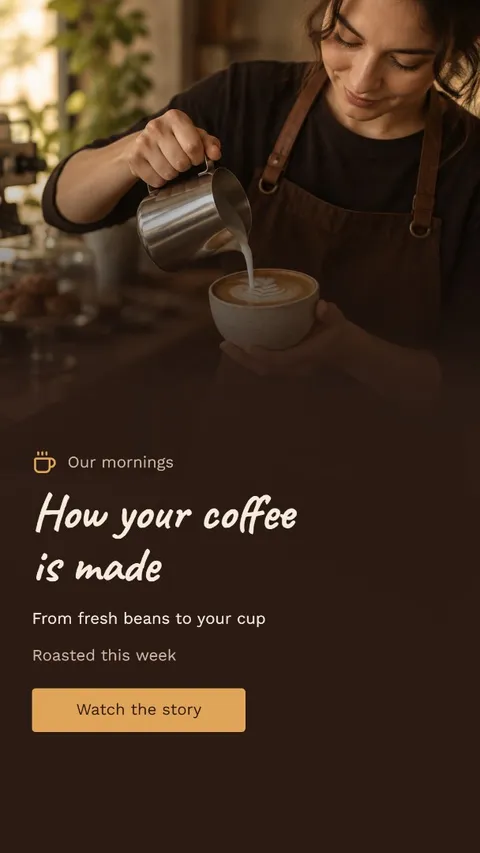
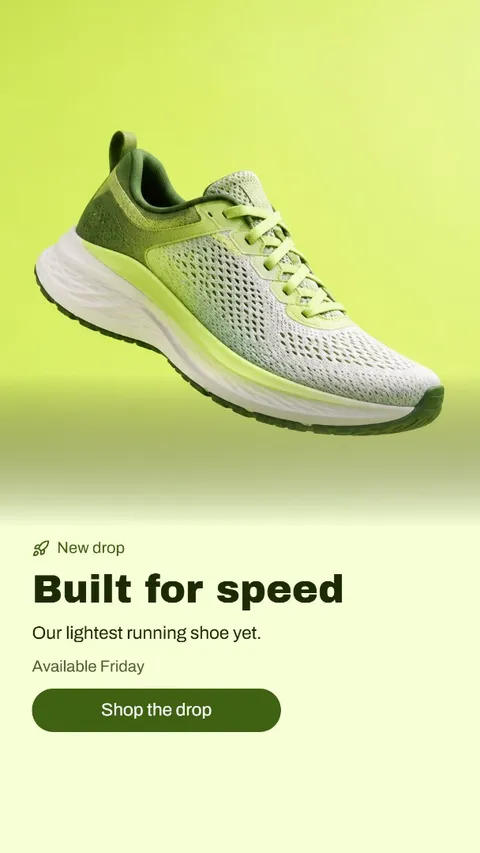
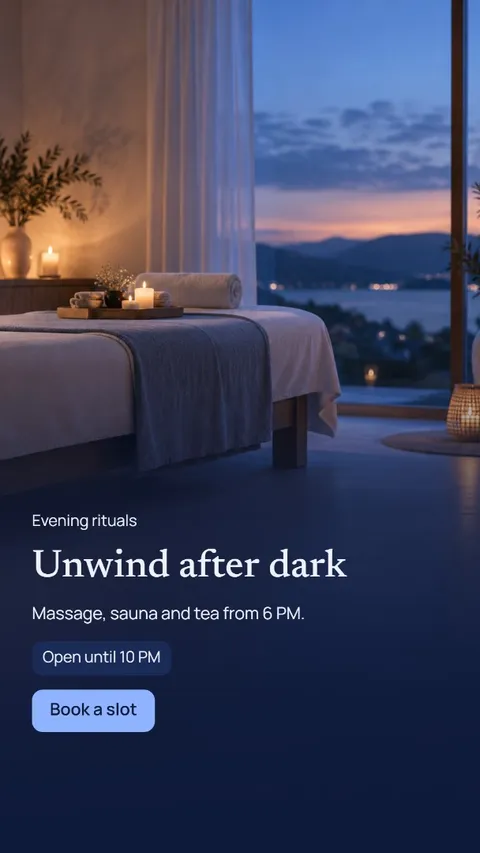
Templates to start from

Instagram story dimensions and ratio
Design stories at 1080 × 1920 px, a 9:16 ratio that matches a full phone screen. Instagram publishes no size for organic stories, but 1080 × 1920 px is the size design tools and guides use.
For story ads Meta recommends 1440 × 2560 px, with a minimum width of 500 px. It has the same 9:16 shape, so if a story may run as an ad, design at 1440 × 2560 px from the start and the layout stays the same.
The story safe zone in pixels
Meta's current guidance is to keep the top 14%, the bottom 35% and 6% on each side free of text and logos. On a 1080 × 1920 px story that is about 269 px at the top, 672 px at the bottom and 65 px on each side.
That leaves a safe area of roughly 950 × 979 px. Older guides still give 20% at the bottom, or a 1080 × 1610 px safe area, but Meta's guide now says 35%.
Story, Reel or feed post
A story and a Reel share the same 1080 × 1920 px frame and the same safe zone, so one vertical design can serve both. A feed post is shorter: 1080 × 1350 px at 4:5.
When you turn a story into a post, rebuild the layout at 4:5 rather than cropping the 9:16 version, so the headline and the product stay in view.
Tips
- Place headlines in the upper middle of the frame; the bottom 672 px are off limits for text.
- Use a full-bleed background: the whole 1080 × 1920 px frame shows behind the controls.
- Keep text short and large: a story image ad shows for 5 to 16 seconds, or less if the viewer swipes.
- Export PNG for stories with a lot of text and JPG for photo backgrounds.
How to make it in Semurai Canvas
- Create a design in Semurai Canvas and pick the “Instagram: story” preset (1080 × 1920 px).
- Choose a story template or start blank, switch on “Apply my brand”, and keep your text inside the safe zone.
- Export a PNG or JPG, or an MP4 or GIF for an animated story.

FAQ
Questions about this size
What size is an Instagram story?
1080 × 1920 px, a 9:16 vertical frame that fills a phone screen. For story ads Meta recommends 1440 × 2560 px, which has the same ratio.
What is the Instagram story ratio?
9:16, the shape of a phone screen held upright. An image with another ratio does not fill the screen, so design at 9:16 to control the whole frame.
How much space should I leave at the top and bottom of a story?
Meta advises keeping the top 14% and the bottom 35% free of text and logos, plus 6% on each side. On a 1080 × 1920 px story that is about 269 px at the top, 672 px at the bottom and 65 px at the sides.
What size is an Instagram story ad?
Meta recommends 1440 × 2560 px (9:16), at least 500 px wide, as a JPG or PNG up to 30 MB. Each image shows for 5 to 16 seconds or until the viewer swipes.
The right size,
on brand from the start.
Semurai plans, writes and designs with you. In Canvas you start at the size you need.
- Free forever plan
- No credit card
- Set up in about 3 minutes







