Content marketing12 min read
Canva Pricing 2026: What Every Plan Costs
What Canva Free, Pro, Business and Enterprise cost, what each plan adds, how the AI allowance works and what a year of Canva costs a team of 1, 2, 5 or 10 people. Every price is from canva.com, checked in November 2026.
 BySemurai TeamThe people behind SemuraiPublished
Quick answer
Canva pricing in 2026 comes in four plans. Free costs nothing. Canva Pro is US$18 a month or US$144 a year for one person. Canva Business is US$25 a month or US$250 a year per person. Enterprise has no public price; you contact sales. US prices before tax, checked November 2026.
Canva pricing at a glance
Canva pricing depends on the plan, the billing period and your country; the table shows the US prices on canva.com/en_us/pricing, checked November 2026. The page loads prices by country, so you may see another currency, and it says "Prices exclude applicable tax".
| Plan | Billed monthly | Billed yearly | Licence | Cloud storage | AI allowance |
|---|---|---|---|---|---|
| Free | US$0 | US$0 | One person | 5 GB | Limited Standard and Premium AI |
| Pro | US$18 a month | US$144 a year | One person | 100 GB | 10x Free |
| Business | US$25 a month per person | US$250 a year per person | Per person, individuals and small teams | 500 GB | 20x Free, per member |
| Enterprise | Contact sales | Contact sales | Organizations | 1 TB | 20x Free |
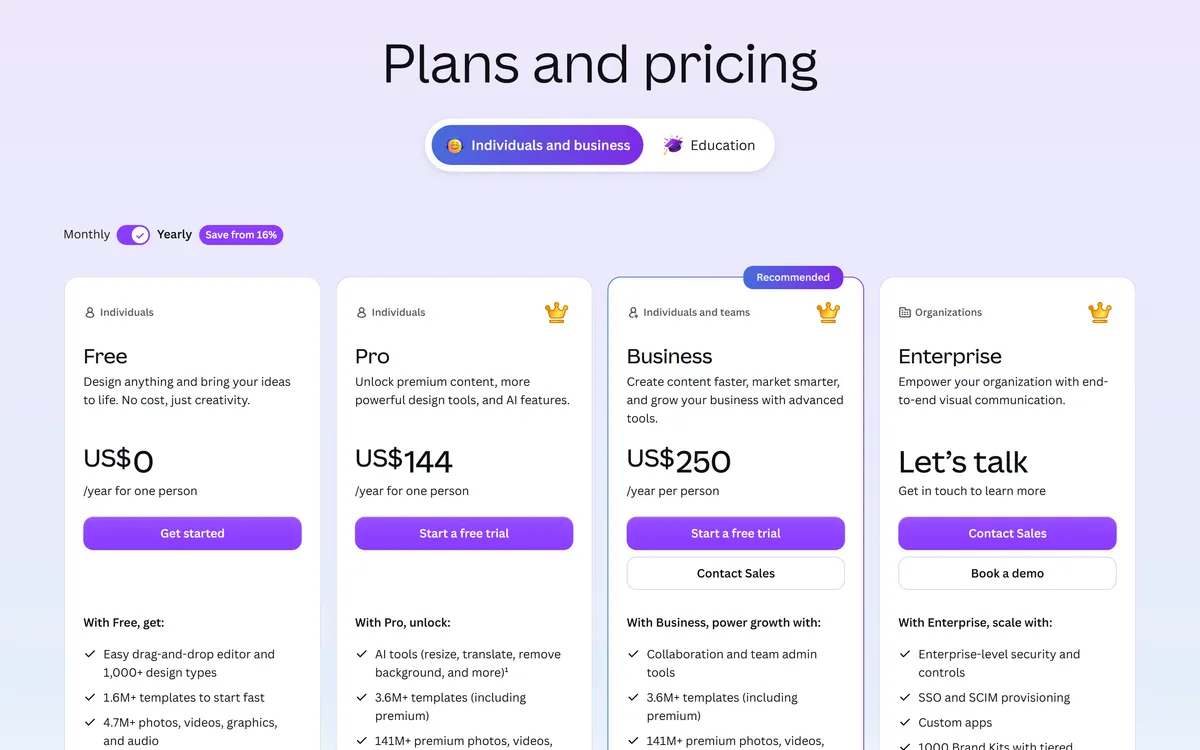
Paying yearly saves US$72 on Pro (US$144 instead of 12 months at US$18, or US$216) and US$50 per person on Business (US$250 instead of US$300). Canva's billing switch advertises this as "Save from 16%".
Is Canva free?
Yes, Canva is free to use: the Free plan costs US$0 and is a full editor, not a trial. It covers most everyday social graphics, flyers and presentations, with limits on storage, brand colours, premium content and the advanced editing tools (pricing, checked November 2026).

What Canva Free includes
- Editor: the drag-and-drop editor with 1,000+ design types.
- Content: 1.6M+ templates and 4.7M+ photos, videos, graphics and audio.
- Brand: 1 Brand Kit, limited to 3 colours.
- Storage: 5 GB of cloud storage.
- AI: Magic Write, Magic Charts, Mockups, AI Voice and Chat with Canva AI, within a limited monthly AI allowance.
- Extras: access to Affinity, Canva's desktop design app, and print orders.
What Canva Free does not include
- Premium content: the 3.6M+ template library with premium templates and the 141M+ premium photos, videos, graphics and audio. Premium elements show a watermark on Free; you can license a single Pro element per design for a one-off fee (licensing explained).
- Editing tools: Background Remover for photos and video, Magic Resize, Translate, Magic Animate and the Magic Edit, Eraser, Expand, Grab and Morph tools.
- Planning and output: the Social Content Planner for scheduling, bulk design creation, print-ready and CMYK export, and custom short links.
Free and Pro content may be used "for a wide range of personal and commercial uses", with limits: you cannot resell library content on its own (for example a single stock photo printed on a t-shirt), templates with Pro content can be sold only as Canva template links, library content cannot go into a trademark except fonts, simple shapes and lines, and "Popular Music" is not for commercial use (Canva help, content license).
Canva Pro: price and what you get
Canva Pro costs US$18 a month or US$144 a year, and one licence covers one person: Canva's pricing FAQ says "Only one person can use a Canva Pro account" (pricing, checked November 2026).
How much is Canva Pro?
Canva Pro is US$18 a month on monthly billing, or US$144 a year on yearly billing, which works out at US$12 a month. Prices exclude tax and differ by country; in Poland, for example, Pro costs 50 zł a month or 450 zł a year (Canva Poland, checked November 2026).
What Canva Pro adds to Free
- Content: 3.6M+ templates including premium ones, and 141M+ premium photos, videos, graphics and audio.
- Brand: 5 Brand Kits.
- Storage: 100 GB.
- Editing tools: Background Remover (photo and video), Magic Resize, Translate, Magic Animate and the Magic Edit, Eraser, Expand, Grab and Morph tools.
- Publishing and print: the Social Content Planner, bulk design creation, print-ready and CMYK export, and up to 5 custom short links.
- AI: "10x more AI than Canva Free" for Premium and Ultra AI tools, and Affinity with its AI tools.
Pro has no team invite, roles or reports. If two people need a shared workspace, that is what Business is for.
Canva Business (formerly Teams): price and what changed
Canva Business costs US$25 a month or US$250 a year per person, and it replaced Canva Teams for new customers at the end of October 2025 (about Canva Business, checked November 2026).
What changed in autumn 2025
Canva's press release of 30 October 2025 introduced Business as a plan "between Canva Pro and Canva Enterprise" (press release). Archived copies of the pricing page show "Pro, Teams and Enterprise" on 31 October 2025 and "Pro, Business and Enterprise" on 6 November 2025. The same launch made Affinity free for individuals.
Canva's FAQ is clear about Teams: "Canva Teams is no longer available for new sign-ups or upgrades. If you're already on Canva Teams, you'll remain on your current plan unless you switch or cancel." Existing Teams subscribers keep their price, but they do not get the features made only for Business.
Seats and billing
- Per person: Business is priced per person and "designed for both individuals and small teams". The pricing page shows no seat minimum.
- Adding people on a yearly plan: added seats are billed quarterly. In Canva's words: "You pay every year, but we'll send you a bill every three months" (Business billing).
- Mobile: "Canva Business Mobile subscriptions are currently available to Solo users only".
What Business adds to Pro
- Team tools: team invites, roles and reports.
- Brand: 100 Brand Kits, Brand Controls and approvals.
- Storage: 500 GB.
- AI: 20x the Free AI allowance, with a separate allowance for each member.
- Extras: Flourish for data visualisation, 10% off print orders and up to 100 custom short links.
Canva Enterprise pricing
Canva Enterprise has no public price: the pricing card says "Let's talk" and sends you to sales. It is built for organizations, and it is the only plan with SSO and SCIM provisioning.
- Brand: 1,000 Brand Kits with tiered approvals.
- Storage: 1 TB.
- Security: SSO and SCIM, plus unlimited custom short links.
- Trial: none; Canva says "we don't offer a free trial for Canva Enterprise" and offers a demo with sales instead.
What a year of Canva costs for 1, 2, 5 and 10 people
A year of Canva costs US$144 for one person on Pro and US$250 per person on Business, so a team of 10 on Business pays US$2,500 a year. Because only one person can use a Pro account, a team that wants a shared workspace with invites, roles and brand controls needs Business.
| People | Business, billed yearly | Business, billed monthly (12 months) | Separate Pro accounts, billed yearly |
|---|---|---|---|
| 1 | US$250 | US$300 | US$144 |
| 2 | US$500 | US$600 | US$288 |
| 5 | US$1,250 | US$1,500 | US$720 |
| 10 | US$2,500 | US$3,000 | US$1,440 |
Separate Pro accounts cost less, but each person has their own account and none of the Business team tools: no invites, roles, reports, Brand Controls or approvals. For one person, Business at US$250 a year makes sense only if you need its larger AI allowance, 500 GB of storage, Flourish or 100 Brand Kits.
Canva AI limits: what each plan includes
Every Canva plan includes AI, but Premium and Ultra AI tools run on a monthly allowance that depends on the plan, and Canva publishes no fixed number of uses (AI access, checked November 2026).
- Standard AI (for example Magic Write and Translate) is unlimited on paid plans, subject to fair use.
- Premium AI (Magic Layers, Canva Code, image and design generation) and Ultra AI (Canva AI 2.0 conversational design and video clips) share one monthly allowance.
- Allowance by plan: Pro gets "10x more AI than Canva Free"; Business and Enterprise get 20x. On Business each member has their own allowance.
- When it runs out: Ultra AI tools stop until the allowance resets; on Pro you can keep using some tools "with short pauses".
- During a trial: "AI allowance during trial is the same as Canva Free."
AI Pass: more AI for US$100 a month
AI Pass is an add-on for Pro and Business: "AI Pass is USD $100 globally per person, per month". Canva says it gives Pro subscribers 40x more AI and Business subscribers 20x more (AI Pass, checked November 2026). For most people the plan allowance is the number to watch: AI Pass costs US$100 every month, while a whole year of Pro costs US$144.
Free Canva for schools and nonprofits
Canva is free for K-12 schools and for registered nonprofits, but not for university students (pricing FAQ, Canva for Nonprofits, checked November 2026).
- Schools: Canva for Education is "100% free for K-12 (primary and secondary) educators, their students, as well as qualified school districts and institutions".
- Universities: university students cannot use Canva for Education. Canva Campus for higher education is paid, "based on Canva Enterprise pricing".
- Nonprofits: registered nonprofits, NGOs and social impact organizations get every Canva Pro feature free, plus collaboration tools for up to 50 users. Extra seats are 50% off Enterprise.
- Not eligible for the nonprofit plan: government agencies, political organizations, educational institutions and grant-making foundations.
How Canva's prices changed since 2024
Canva's prices have changed several times since 2024, mostly on the team plans; the 2024 Teams increase did not touch Pro.
| When | What changed | Source |
|---|---|---|
| April 2024 | New Teams subscribers moved to $10 per user a month with a 3-user minimum. | The Verge |
| September 2024 | Existing Teams users moved too. The US example: from $120 a year for up to five users to $500 a year, with 40% off the first year ($300). Pro was not affected. | The Verge |
| October 2024 | After the backlash, Canva walked back part of the increase for early Teams users and published a "Pricing Promise": at least 60 days' notice before price changes, plus regional pricing. | PetaPixel |
| October and November 2025 | Teams closed to new buyers, Business launched and Affinity became free for individuals. | Canva press release |
In 2026, third-party trackers such as PricingSaaS logged the US yearly Pro price at $120, $144 and $180 at different times. Canva's prices change; these are the prices on canva.com in November 2026.
Is Canva Pro worth it?
Canva Pro is worth it if you design every week and use premium templates, background removal, Magic Resize, brand kits or scheduling; if you make a few graphics a month with your own photos, the Free plan is enough. If you are weighing other tools, see the best Canva alternatives.
- Pro pays off when: you post on several channels and resize every design, remove backgrounds from product photos, need more than 3 brand colours or 5 GB, schedule posts from Canva, or send files to a printer that wants CMYK.
- Free is enough when: you make occasional posts, invitations or slides, use your own photos, and can live with one 3-colour Brand Kit and a limited AI allowance.
- Business makes sense when: two or more people share designs and brand assets and need invites, roles, approvals or the larger AI allowance.
- Try before you pay: Pro and Business come with a free trial (30 days at the time of writing), one per account and per payment method (Canva help). The AI allowance in the trial equals Free, so judge the AI tools after you upgrade.
Canva vs Semurai: when you need more than design
Choose Canva when design is the whole job; consider Semurai (our product) when the graphic is one part of marketing work that also includes articles, SEO and social planning. If you need a huge stock library or print-ready CMYK files, Canva Pro is the tool for that.
Semurai is an AI marketing workspace with a design editor, Canvas, and Creative Studio, next to eight AI agents for SEO, content and social planning. Dezaina, the brand and design agent, works in both. Our size guide gives the exact dimensions for each social and print format.
RecordingTranscript
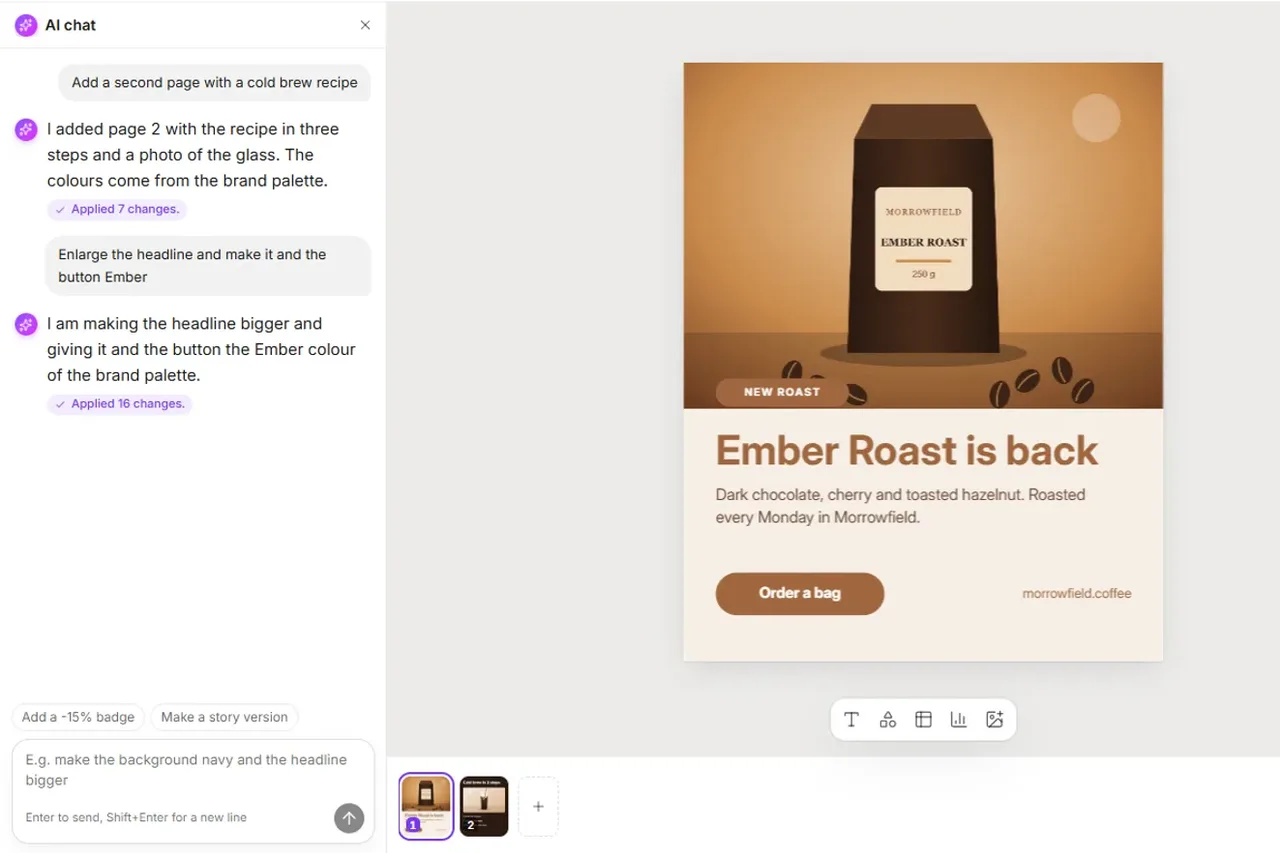
- Open the AI chat next to the design
- Describe the change in your own words
- Send it: Dezaina starts editing the design
- The changes appear on the page as Dezaina works
- Dezaina says what she changed and suggests next steps
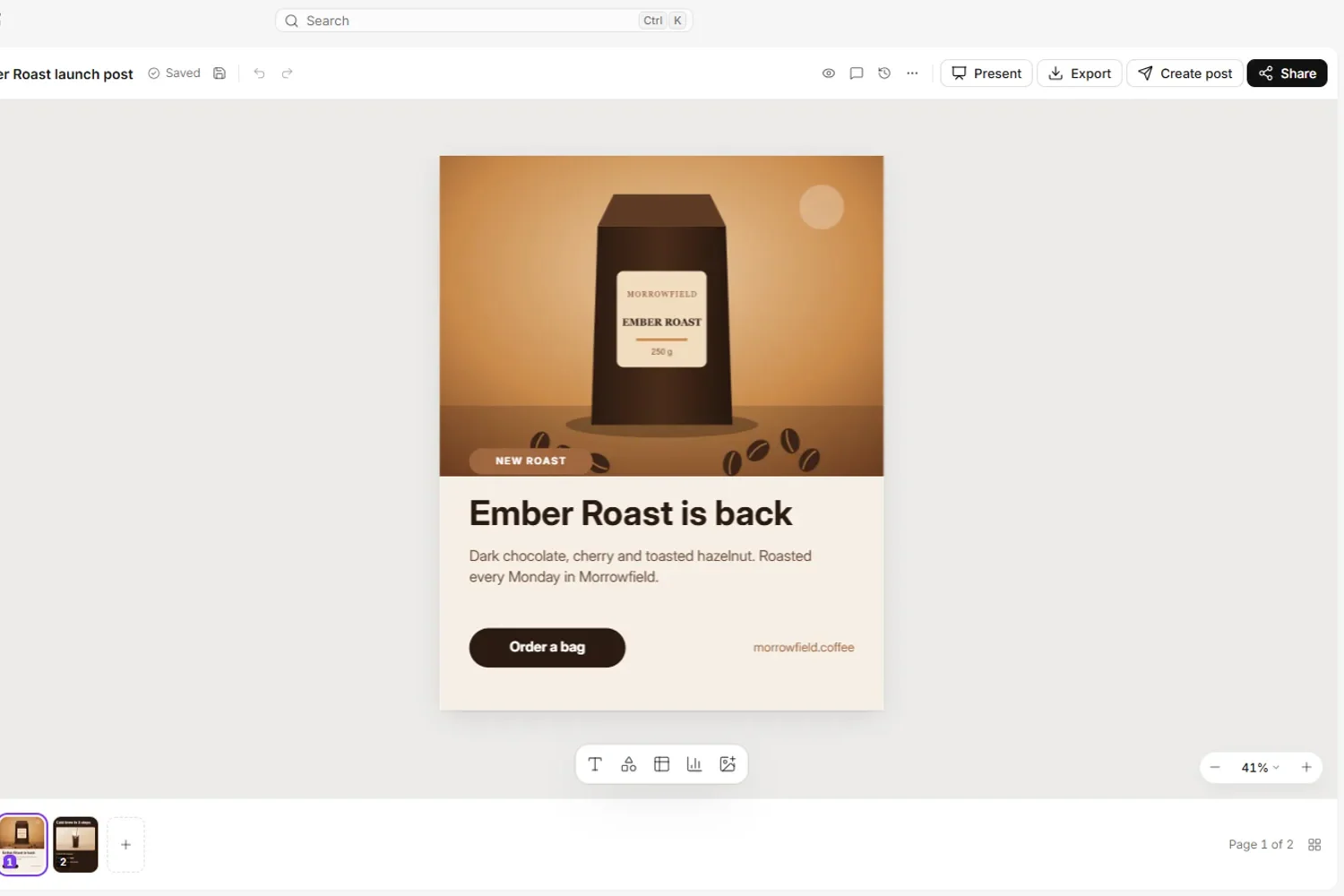
- Canvas: presets from Instagram square (1080×1080) to A4 (2480×3508), resize to any size from 200 to 6000 px, templates in 14 languages with an "Apply my brand" switch for your logo, colours and fonts, an AI chat that edits the design, plus comments, versions and sharing (Canvas guide).
- Export: PNG, JPG and PDF at 1-3x (PDF up to 2x), transparent PNG, MP4 and GIF.
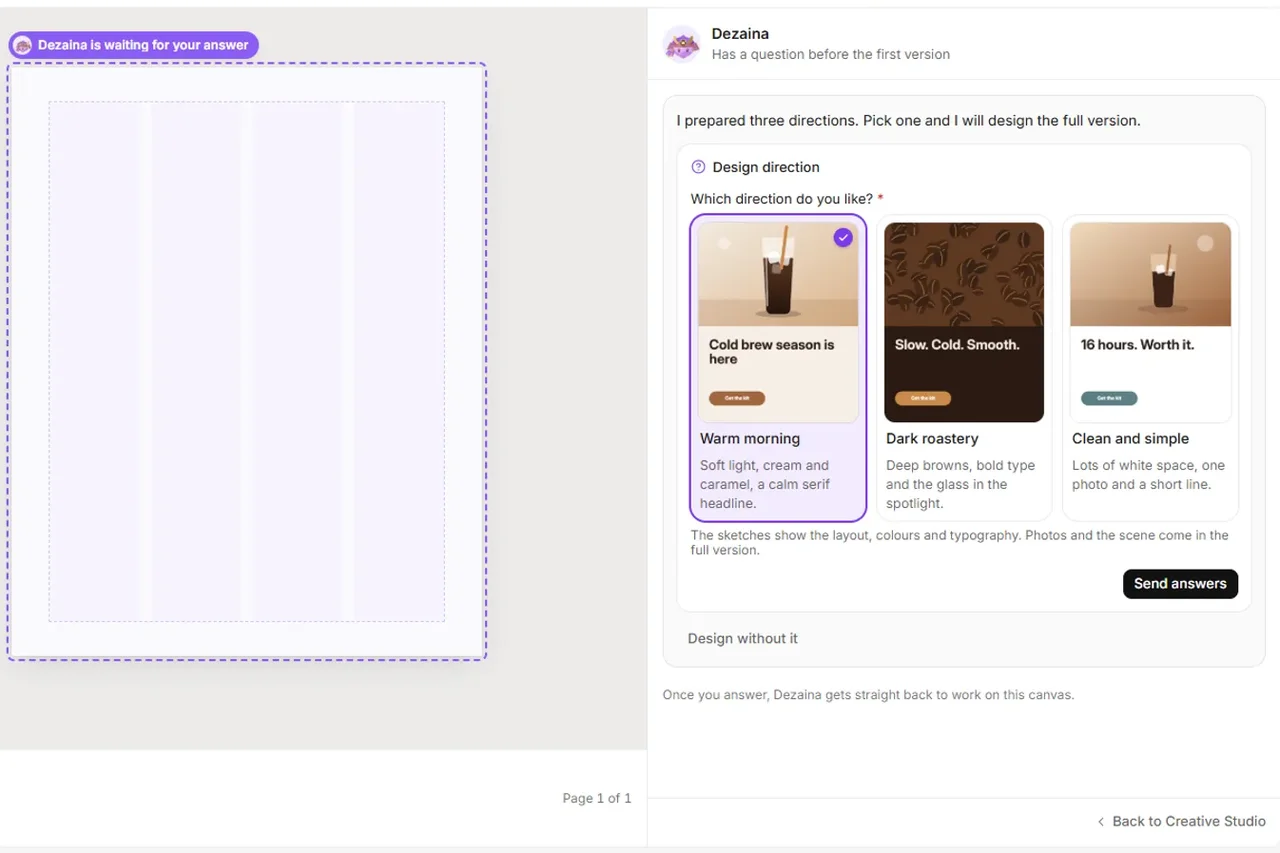
- Creative Studio: Dezaina designs posts, carousels, ads, banners, A4 pages, landing pages, presentations, reports, emails and video from a prompt, in your brand's colours (Creative Studio guide).
- Around the design: keyword research, SEO articles with a Content Score, site audits, rank tracking, competitor analysis and a content calendar where Somi drafts and plans posts for Facebook, Instagram and LinkedIn. Publishing waits for your click. Articles publish to WordPress, Shoper and PrestaShop.

On price, Semurai Starter costs US$39 a month, or US$348 a year (US$29 a month), net and for one seat. What you pay for is what the plan includes: every paid plan has all eight agents, so the designs, the article they illustrate and the posts that share them come from one brief, with your Brand Kit one switch away. The Free plan includes 2 AI images and 5 social posts a month, among other items (Semurai pricing, checked November 2026). For more tools in this space, see the best AI tools for content creation or the AI content creation platform page.
Updated 3 November 2026: first version. All Canva prices checked on canva.com in November 2026.
Frequently asked questions
How much is Canva Pro per month?
Canva Pro costs US$18 a month on monthly billing in the US, or US$144 a year on yearly billing, which works out at US$12 a month. Prices exclude tax and are shown in your local currency, so they differ by country. These are the prices on canva.com in November 2026.
Is Canva free to use?
Yes. Canva Free costs nothing and is a full editor with 1.6M+ templates, 5 GB of storage and a limited AI allowance. Premium templates and elements are watermarked, and tools such as Background Remover, Magic Resize and the Content Planner need Pro or Business.
What is the difference between Canva Pro and Canva Business?
Canva Pro is for one person and costs US$144 a year. Canva Business costs US$250 a year per person and adds team invites, roles, reports, Brand Controls and approvals, 500 GB of storage and twice the AI allowance of Pro, with a separate allowance for each member.
Does Canva still have a Teams plan?
Not for new customers. Canva Teams closed to new sign-ups and upgrades when Canva Business launched at the end of October 2025. Existing Teams subscribers keep their plan and price unless they switch or cancel, but they do not get the features made only for Business.
Is there a free trial of Canva Pro?
Yes. Canva Pro and Canva Business come with a free trial, 30 days at the time of writing, limited to one trial per account and per payment method. During the trial your AI allowance is the same as on Canva Free. Enterprise has no free trial.
Does Canva Pro include AI?
Yes. Standard AI tools such as Magic Write and Translate are unlimited on Pro, subject to fair use, and Premium and Ultra AI tools share a monthly allowance that Canva describes as 10x more than Free. Canva publishes no fixed number of uses, and AI Pass adds more for US$100 per person a month.