Content marketing17 min read
The 12 best Canva alternatives in 2026 (free and paid)
Twelve Canva alternatives for 2026, free and paid: design apps and websites like Canva for social graphics, presentations, photo editing, merch and marketing. Each entry gives the job the tool does best, the price with a link, the free plan, the AI features and one thing to check before you switch.
 BySemurai TeamThe people behind SemuraiPublished
Quick answer
The best Canva alternative depends on the job. For designs plus the posts and articles around them, Semurai (our product) puts both in one workspace. Adobe Express is the closest all-round match, VistaCreate suits small teams on a budget, Visme and Piktochart do presentations and infographics, Kittl does merch, and Pixlr or Fotor edit photos.
Canva alternatives at a glance
This table compares the 12 Canva alternatives by job, free plan, entry price and AI. Prices are in US dollars as shown on each vendor's US pricing page, checked in November 2026 (Picsart's page shows local currency, so its price is approximate); the sections below give the details and sources.
| Tool | Best for | Free plan | Paid from | AI |
|---|---|---|---|---|
| Semurai (our product) | Designs plus the marketing around them | Yes: 2 AI images and 5 social posts a month, among other items | $29/mo billed yearly or $39 monthly (net) | Dezaina designs from a prompt; AI chat edits in Canvas |
| Adobe Express | Teams in the Adobe ecosystem | Yes: 5GB, free daily generations | $9.99/mo | Firefly; 250 generative credits a month on Premium |
| VistaCreate | Small teams on a budget | Yes: 100K+ templates, 1 Brand Kit | $10/mo billed yearly, up to 10 seats | Generative AI, Background Remover, One-click Resizer |
| Visme | Presentations and reports with data | Yes: 500MB, limited templates | $12.25/mo billed yearly or $29 monthly | AI Designer, Writer, Resize, Text-to-Image |
| Kittl | Merch, print and packaging | Yes: 100 AI tokens one-time, commercial licence | $12/mo billed yearly or $15 monthly | 2,000 AI tokens a month on Pro |
| Snappa | Quick social and blog images | Yes: 3 downloads a month | $10/mo billed yearly or $15 monthly | Background removal only |
| Figma Buzz | Brand templates for teams in Figma | Yes: Starter, Buzz in beta | Collab seat $3/mo annual or $5 monthly | Figma AI credits (up to 500 a month on Starter) |
| Microsoft Designer | Cards, invitations and casual designs | Yes: monthly credits | Microsoft 365 Personal, $9.99/mo | AI image and design generation |
| Picsart | Photo and video editing on mobile | Pricing page lists only paid plans | From about $10/mo billed yearly | AI agents for photo and video |
| Fotor | Photo editing plus light design | Yes: limited credits, 512MB | $39.99/yr ($3.33/mo) or $8.99 monthly | 100 AI credits a month on Pro |
| Piktochart | Infographics from data | Yes: 2 PNG downloads, 60 AI credits | $10/member/mo billed yearly or $15 monthly | 500 AI credits on Pro |
| Pixlr | Cheap photo editing | Yes: with ads and limited saves | $1.99/mo billed yearly or $2.49 monthly | 80 AI credits a month on Plus |
Why people look for a Canva alternative
Most people look for a Canva alternative because of cost, especially for teams, or because they want something Canva is not built around. Canva's prices change; these are the prices on canva.com in November 2026. Every Canva plan and what it costs is in our Canva pricing guide.
- Teams became Business. Canva's pricing FAQ says that "Canva Teams is no longer available for new sign-ups or upgrades". New teams buy Canva Business at $25 a month or $250 a year per person. Canva Pro costs $18 a month or $144 a year, and "Only one person can use a Canva Pro account" (US prices before tax, checked November 2026).
- The 2024 Teams price rise. The Verge reported that new Teams subscribers moved to $10 per user a month with a three-user minimum in April 2024, and existing Teams users followed in September. One US example went from $120 a year for up to five users to $500 a year, with 40% off the first year. In October 2024 Canva walked back part of the change for early Teams users and promised at least 60 days' notice before price changes.
- Costs grow with every seat. Business is priced per person, so a team of five pays five times the price. Several alternatives cap the bill differently: VistaCreate Pro covers up to 10 seats in one price, and Snappa's Team plan up to 5 users.
- Templates everyone can use. Canva's template library is a strength, but the popular templates are open to every brand. Some teams would rather start from their own brand than from a shared layout.
- Design is only part of the job. Canva Pro includes a social Content Planner for scheduling, but the keyword research, the article the post promotes and the site audit live in other tools. Some teams want the design and the marketing work in one place.
How we picked these Canva competitors
We picked the Canva competitors that appear most often in the top-ranking lists of Canva alternatives, then added tools that fit a specific job well. Adobe Express and Snappa appear in all five of the top lists we compared, VistaCreate in four, and Visme and Pixlr in three. We list our own product first; the others follow in the order we'd consider them.
- Prices from the source: every price links to the vendor's pricing page, checked in November 2026; Picsart's page shows local currency, so its dollar price is approximate. Vendors change plans often, so check the linked page before you buy.
- Real free plans only: a free plan counts when you can use it without a time limit; free trials are named in the tool's entry.
- One fair watch-out: each tool gets the one limit that matters most for someone moving from Canva.
The 12 best Canva alternatives in 2026
Here are the 12 best Canva alternatives in 2026, each with the job it does best, its price, its free plan, its AI features and one thing to check.
1. Semurai (our product): best for designs plus the marketing around them
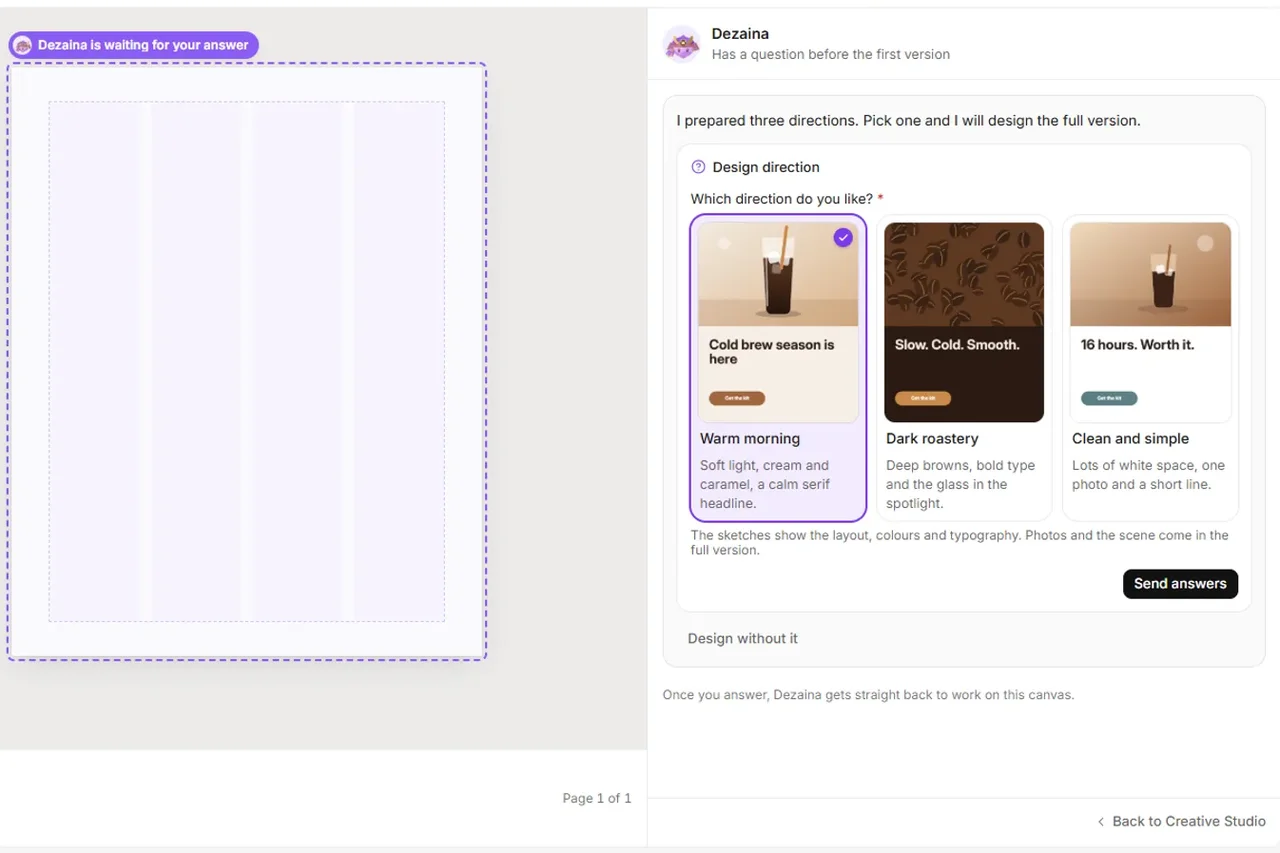
Semurai is an AI marketing workspace where Canvas, its design editor, Creative Studio and your Brand Kit sit next to eight AI agents that plan the posts and articles around your designs (pricing, checked November 2026).
RecordingTranscript
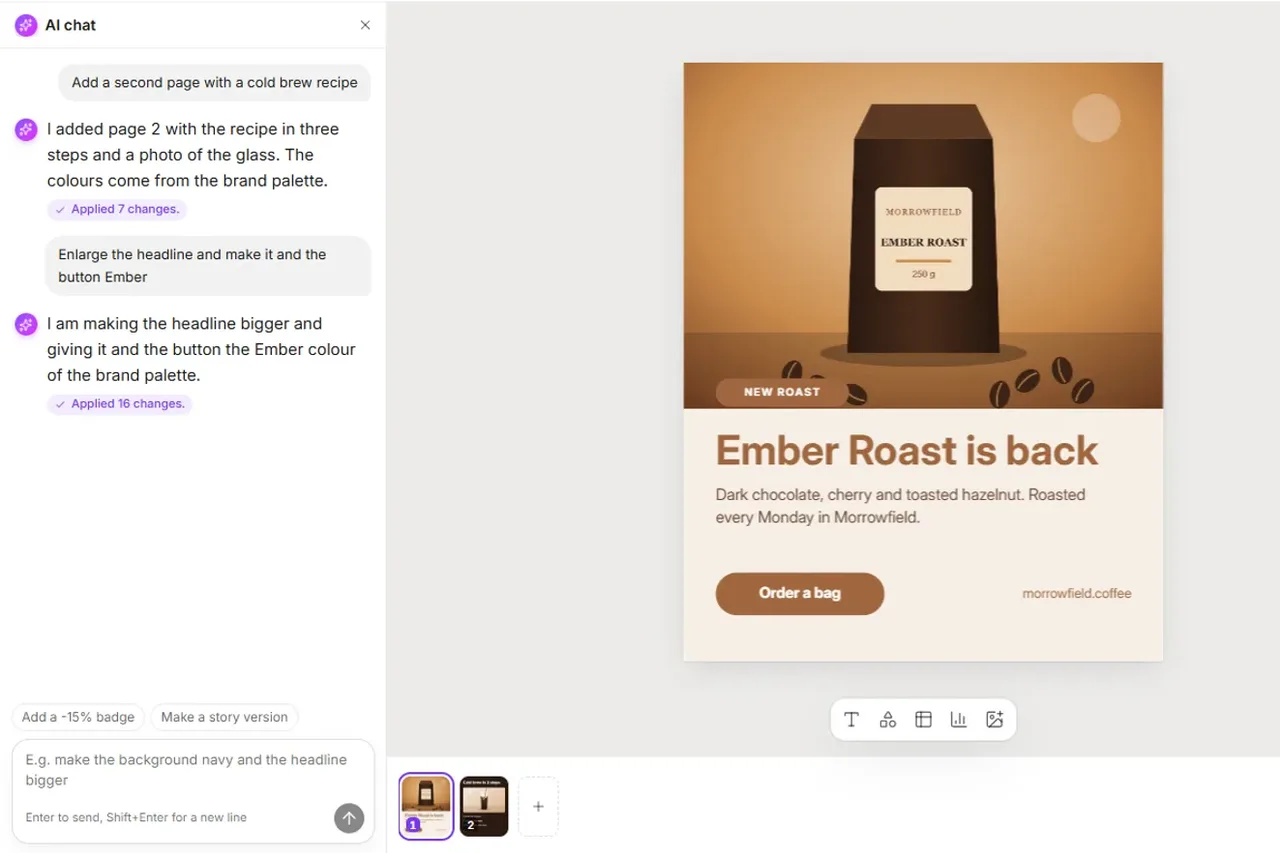
- Open the AI chat next to the design
- Describe the change in your own words
- Send it: Dezaina starts editing the design
- The changes appear on the page as Dezaina works
- Dezaina says what she changed and suggests next steps
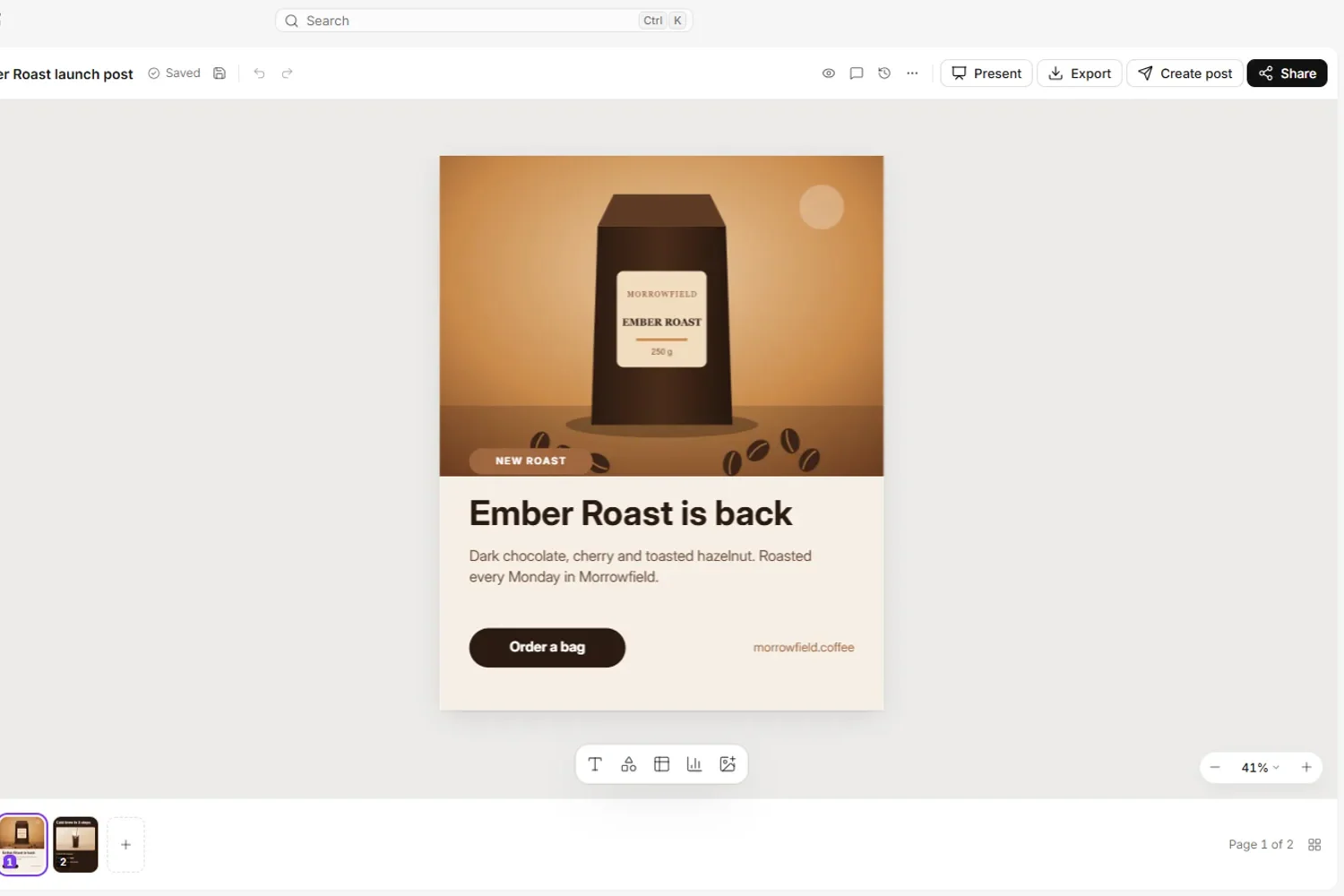
- Design features: Canvas has presets for Instagram square (1080×1080), Instagram post (1080×1350), Story (1080×1920), Facebook ad and LinkedIn post (1200×628), wide banner (1600×900), presentation (1920×1080) and A4 (2480×3508), and resizes to any size from 200 to 6000 px. Our size guide lists the exact dimensions for each social and print format. Templates come in 14 languages with an Apply my brand switch that brings in the logo, colours and fonts from your Brand Kit. Comments, version history and sharing are built in. Export to PNG, JPG and PDF at 1x to 3x (PDF up to 2x), transparent PNG, MP4 and GIF.
- AI features: in Creative Studio, Dezaina designs posts, carousels, ads, banners, A4 pages, landing pages, presentations, reports, emails and video from a prompt, in your brand's colours. In Canvas, the AI chat edits the open design when you describe the change in your own words.
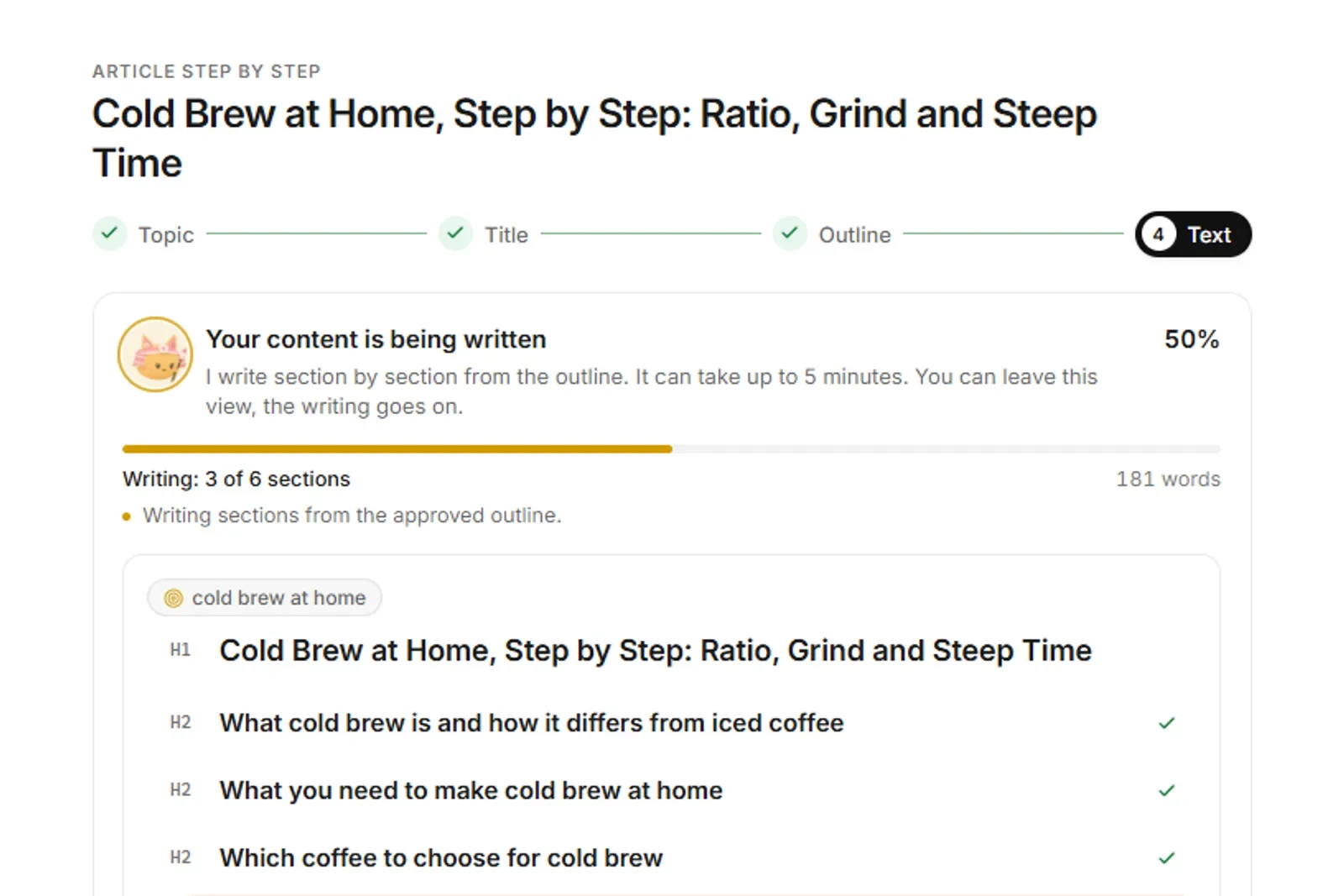
- Around the design: Somi drafts and plans posts for Facebook, Instagram and LinkedIn in the content calendar, and publishing always waits for your click. Tenko writes SEO articles with a Content Score. The same workspace holds keyword research, site audits, rank tracking and competitor analysis, and publishes to WordPress, Shoper and PrestaShop after your approval. The interface is available in 14 languages.
- Best for: small marketing teams and online stores that want the graphic, the post and the article from one brief, in one brand.
- Price (checked November 2026, net): Starter $39 a month, or $348 a year ($29 a month); Growth $99, or $948 a year ($79 a month); Pro $249, or $2,388 a year ($199 a month). Every paid plan includes all eight agents; plans differ in AI usage, tracked keywords, storage and seats (1 on Starter, 2 on Growth, 3 on Pro).
- Free plan: yes. The monthly allowance includes 2 AI images and 5 social posts, among other items.
- When another tool fits better: if all you need is a huge template and stock library for one-off designs, Canva itself fits that job.


See what Canvas can do, or read how Creative Studio and the Canvas editor work step by step. For the wider content workflow, see the AI content creation platform.
2. Adobe Express: best for teams in the Adobe ecosystem
Adobe Express is Adobe's browser and mobile design app, with templates and Firefly generative AI built in (pricing, checked November 2026).

- AI features: Firefly generation, which Adobe describes as "designed to be commercially safe". Premium adds 250 generative credits a month, Remove Video Background and One-click Resize.
- Best for: teams that already work in Adobe apps, and anyone who wants the closest all-round match to Canva.
- Price (checked November 2026): Premium $9.99 a month, billed monthly; the page shows no annual price. Premium also adds brand kits and 100GB of storage. A 30-day free trial is available.
- Free plan: yes, with 5GB of storage, 1M+ stock assets, scheduling to one account per social network and free daily generations.
- Watch out for: heavier AI use means Firefly Pro at $19.99 a month for 4,000 credits.
3. VistaCreate: best for small teams on a budget
VistaCreate, from Vista and formerly called Crello, is a template editor built for small-business social content (pricing, checked November 2026).
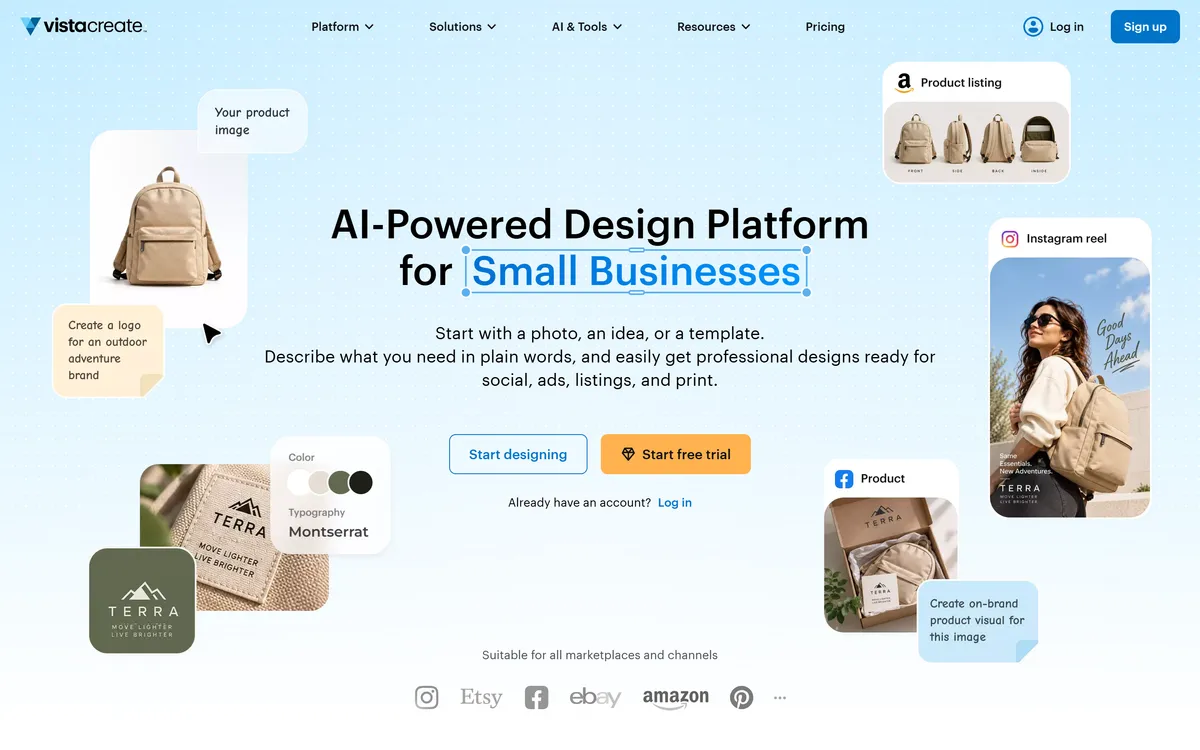
- AI features: generative AI for designs, images and text, a Background Remover, an AI Object Remover and a One-click Resizer.
- Best for: small teams that need on-brand social graphics without paying per person.
- Price (checked November 2026): Pro $10 a month billed yearly, "for up to 10 seats".
- Free plan: yes (Starter), with 100K+ templates, 1M+ assets, 1 Brand Kit, 10 GB of storage and social scheduling.
- Watch out for: Pro lists 200K+ templates against Canva Pro's 3.6M+, so the template choice is narrower.
4. Visme: best for presentations, reports and infographics
Visme is a design tool for presentations, infographics and interactive content (pricing, checked November 2026).
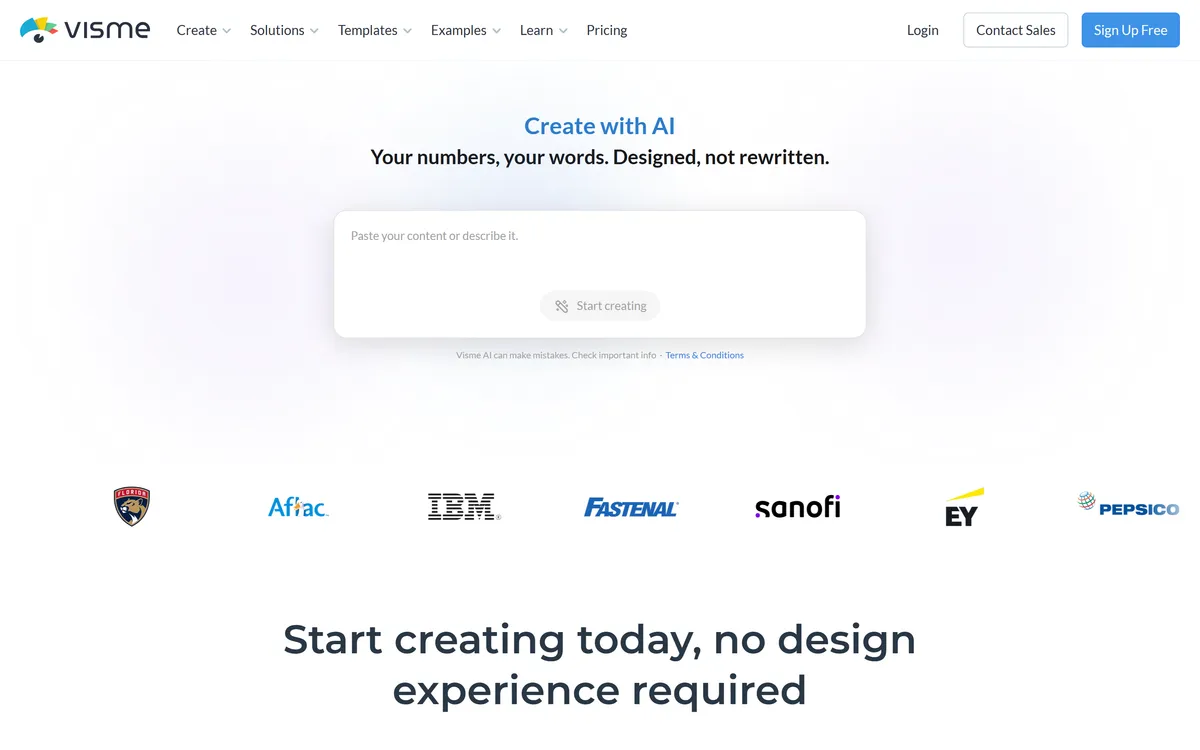
- AI features: AI Designer, AI Writer, Resize and Text-to-Image from the Starter plan.
- Best for: data-heavy presentations, reports and infographics.
- Price (checked November 2026): Starter $12.25 a month billed yearly ($147 a year) or $29 billed monthly, per person.
- Free plan: yes (Basic), with 500MB of storage, 50 pages per project and limited templates.
- Watch out for: the Brand Kit and PPTX, video and HTML5 export start at Business, $24.75 a month billed yearly.
5. Kittl: best for merch, print and packaging
Kittl is an AI design tool for print, merch, packaging and marketing assets (pricing, checked November 2026).
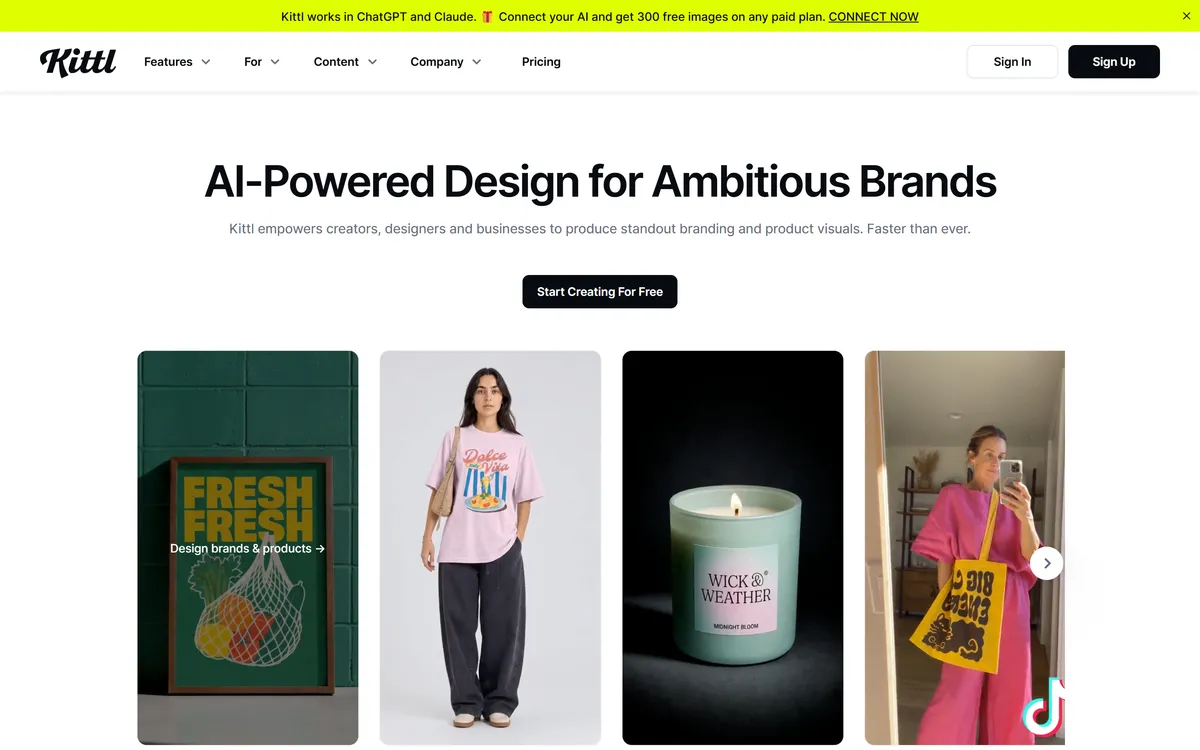
- AI features: AI generation on tokens: 100 one-time on Free and 2,000 a month on Pro.
- Best for: merch and product designers, from t-shirts to packaging.
- Price (checked November 2026): Pro $12 a month billed yearly ($144 a year) or $15 billed monthly.
- Free plan: yes, with 100 AI tokens one-time, standard templates and a "Full commercial license".
- Watch out for: heavy AI use needs Expert ($26 a month billed yearly) or Max ($48 a month billed yearly).
6. Snappa: best for quick social and blog images
Snappa is a simple editor for social media and blog graphics (pricing, checked November 2026).
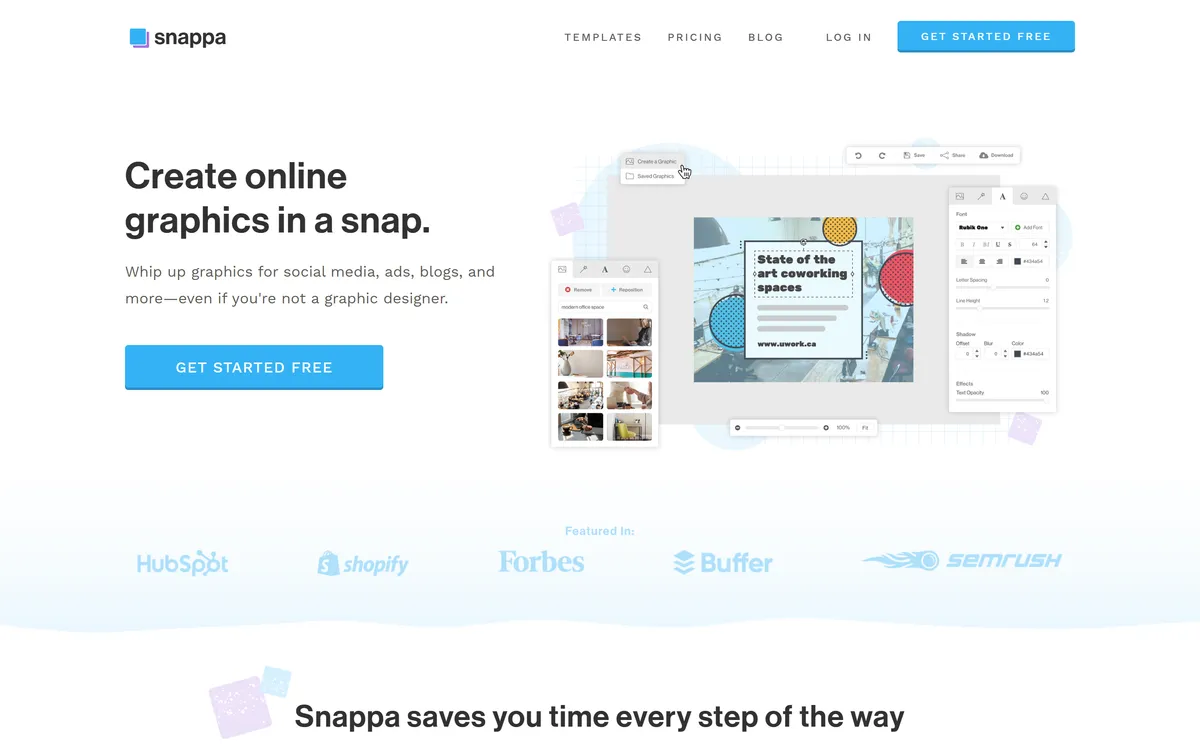
- AI features: background removal only; no other AI features are listed.
- Best for: occasional quick social images, such as a blog header or a single post.
- Price (checked November 2026): Pro $10 a month billed yearly or $15 billed monthly.
- Free plan: yes, with 3 downloads a month.
- Watch out for: the Team plan ($20 a month billed yearly) is capped at 5 users.
7. Figma Buzz: best for brand templates in teams that use Figma
Figma Buzz is Figma's tool for producing brand assets from locked templates, and it is in beta (Figma Buzz and pricing, checked November 2026).
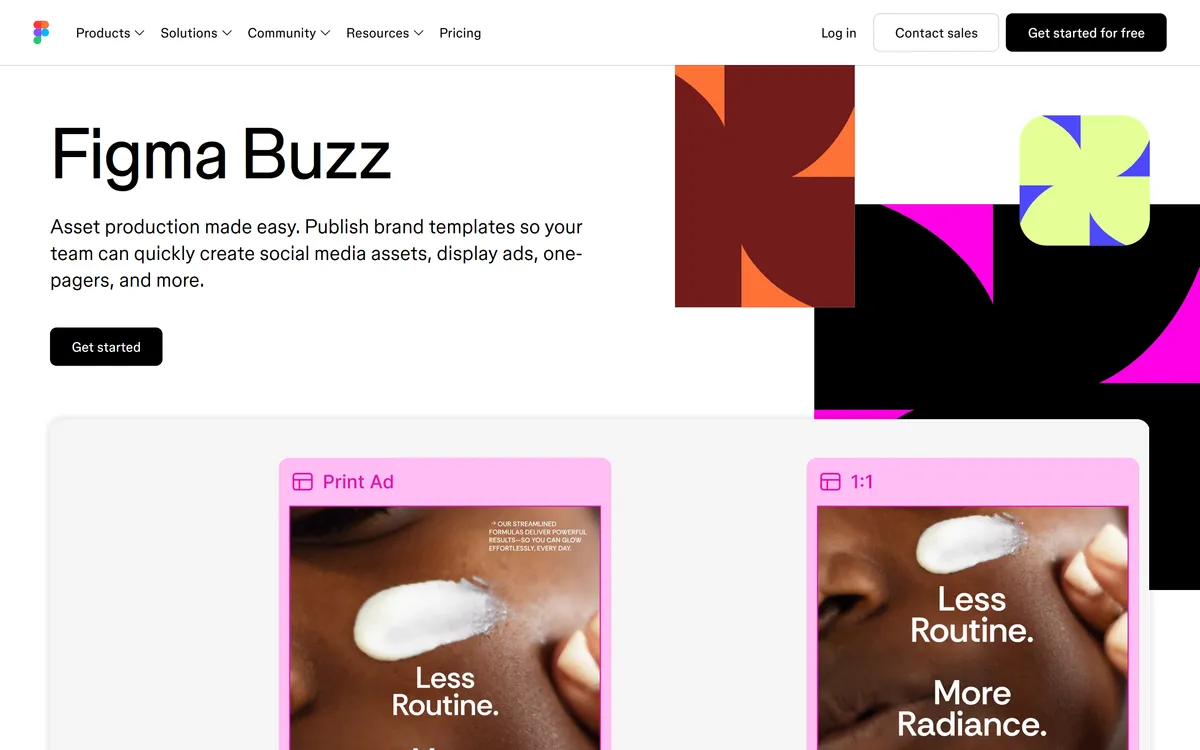
- AI features: Figma AI credits; the free Starter plan lists "150 AI credits/day, up to 500 AI credits/mo".
- Best for: teams whose brand system already lives in Figma: designers build the templates and the rest of the team fills them in.
- Price (checked November 2026): a Professional Collab seat costs $3 a month billed annually or $5 billed monthly, with full Buzz access.
- Free plan: yes (Starter), and the Buzz beta is available on all seats.
- Watch out for: Buzz is a beta, and templates are built in Figma first, so someone on the team needs to know Figma.
8. Microsoft Designer: best for cards, invitations and casual designs
Microsoft Designer is Microsoft's AI image and design app, on the web, on mobile and inside Word and PowerPoint (Designer page, checked November 2026).
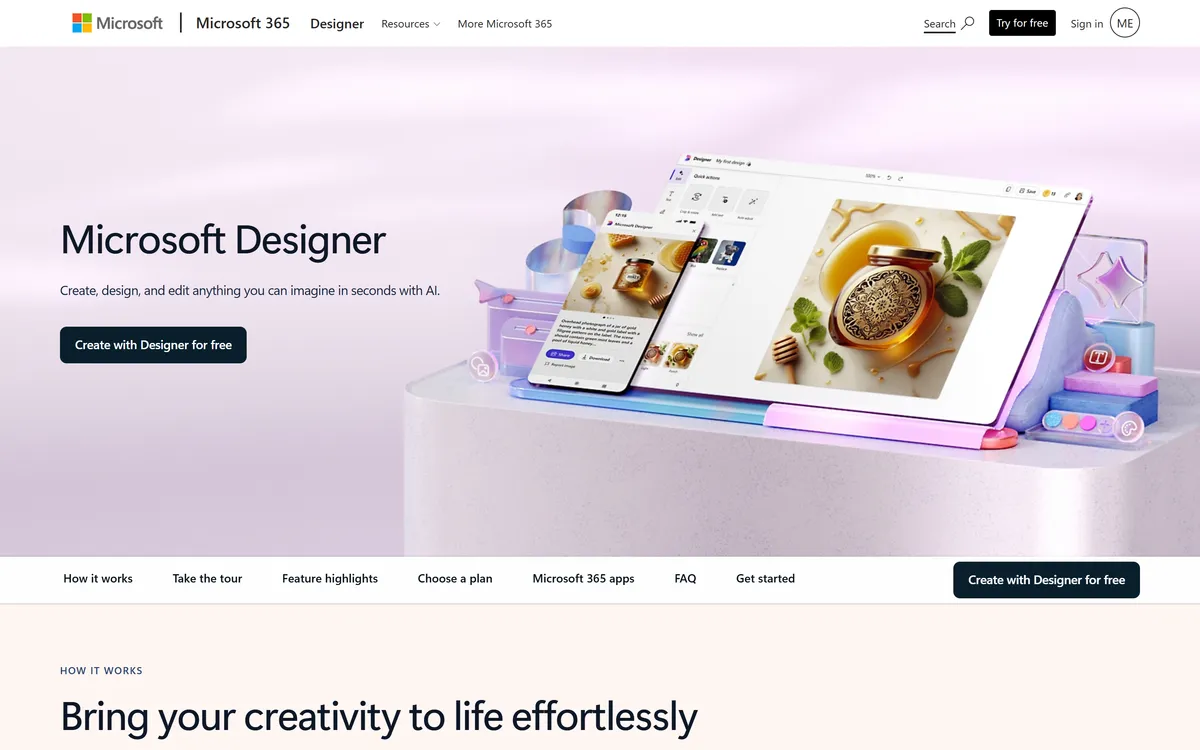
- AI features: AI image generation and designs from a prompt, on monthly credits.
- Best for: casual designs such as cards and invitations, especially if you already use Word and PowerPoint.
- Price (checked November 2026): through Microsoft 365 Personal at $9.99 a month, with "up to 4X more credits".
- Free plan: yes, with monthly credits. Microsoft does not publish the number; Computerworld reported 15.
- Watch out for: there is no team brand tooling, and the credits are shared with Copilot.
9. Picsart: best for photo and video editing on mobile
Picsart is a mobile and web photo and video editor with AI agents (pricing, checked November 2026).
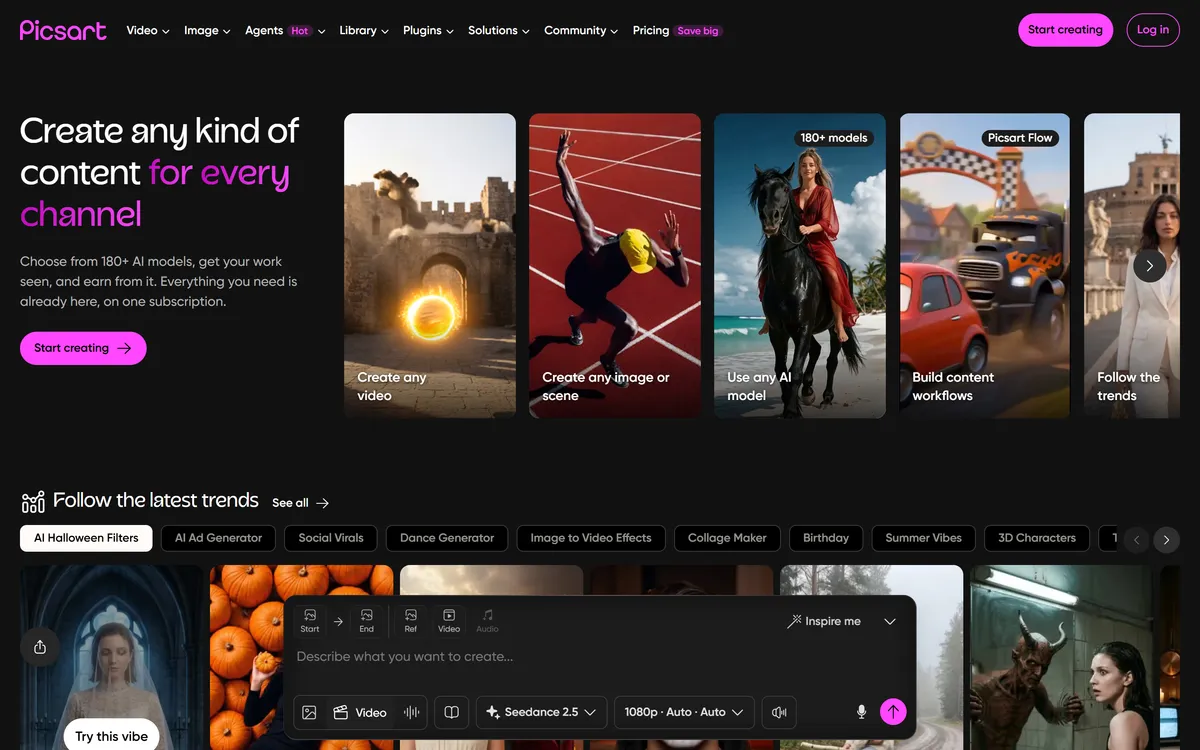
- AI features: AI agents and AI tools for photo and video, run on credits.
- Best for: social creators who edit photos and short videos on their phone.
- Price (checked November 2026): from about $10 a month billed yearly.
- Free plan: the pricing page lists only the paid plans (Pro, Ultra and Enterprise).
- Watch out for: credit allowances changed several times in 2026, so check the current number on the pricing page before you buy.
10. Fotor: best for photo editing plus light design
Fotor is a photo editor and design tool with AI generation (pricing, checked November 2026).
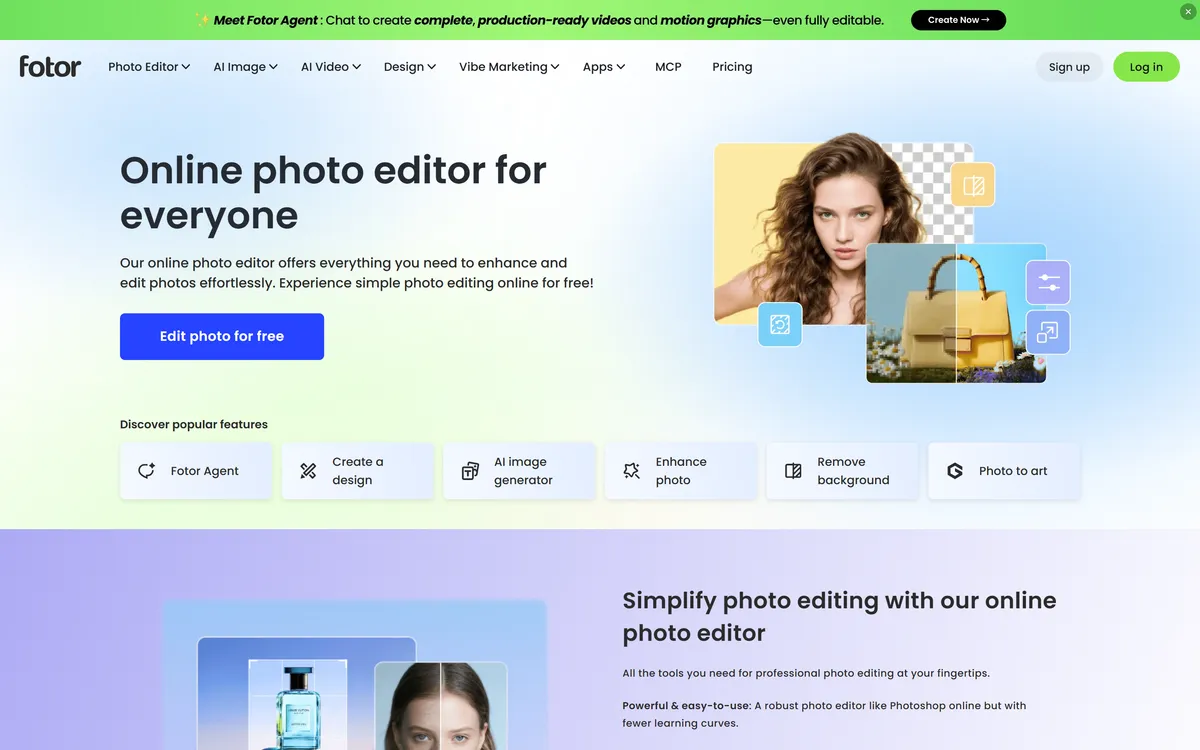
- AI features: AI generation on credits, 100 a month on Pro.
- Best for: photo editing with a simple design tool on the side.
- Price (checked November 2026): Pro $8.99 a month billed monthly, or $39.99 a year ($3.33 a month).
- Free plan: yes, with limited credits and 512MB of storage; watermark-free and ad-free use are paid features.
- Watch out for: Pro has 2GB of storage and a small AI allowance.
11. Piktochart: best for infographics from data
Piktochart turns data and text into infographics, reports and other visuals (pricing, checked November 2026).
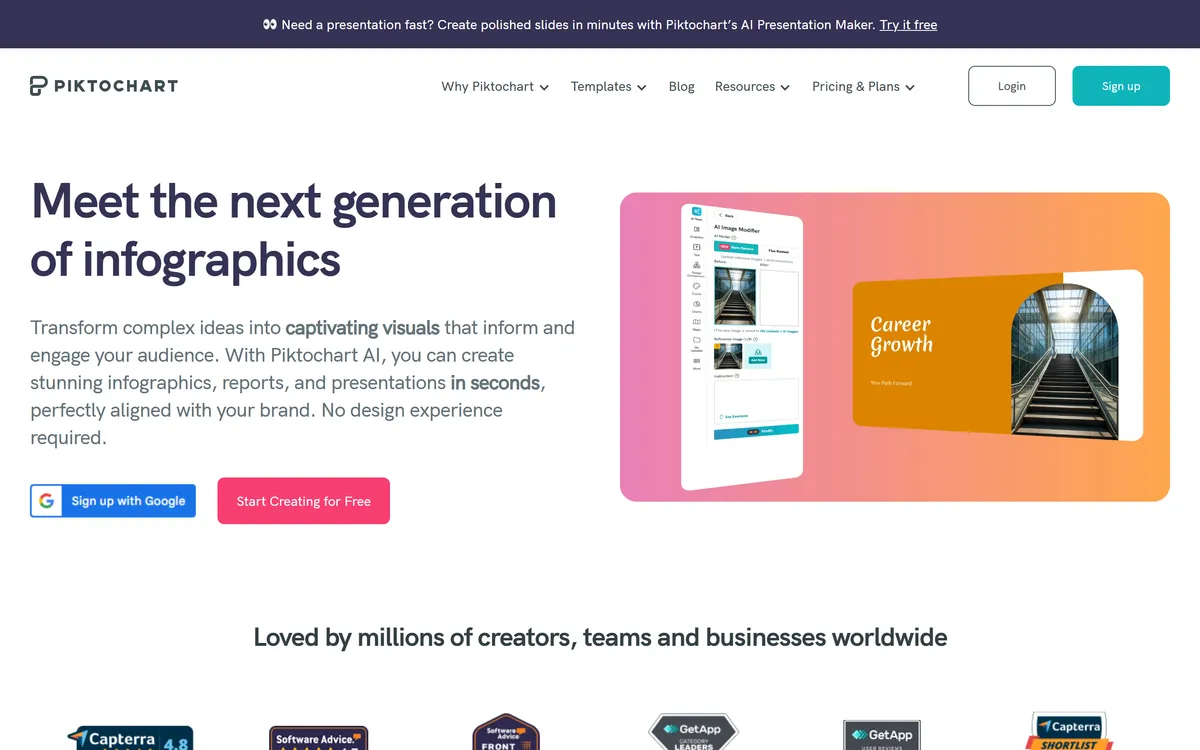
- AI features: AI credits: 60 on Free and 500 on Pro.
- Best for: turning survey results, reports and numbers into infographics.
- Price (checked November 2026): Pro $10 per member a month billed yearly or $15 billed monthly.
- Free plan: yes, with 2 PNG downloads and 60 AI credits.
- Watch out for: the Brand Kit and PDF or PPT downloads need Business ($17 a month billed yearly or $20 monthly).
12. Pixlr: best for cheap photo editing in the browser
Pixlr is a browser photo editor with design tools (pricing, checked November 2026).
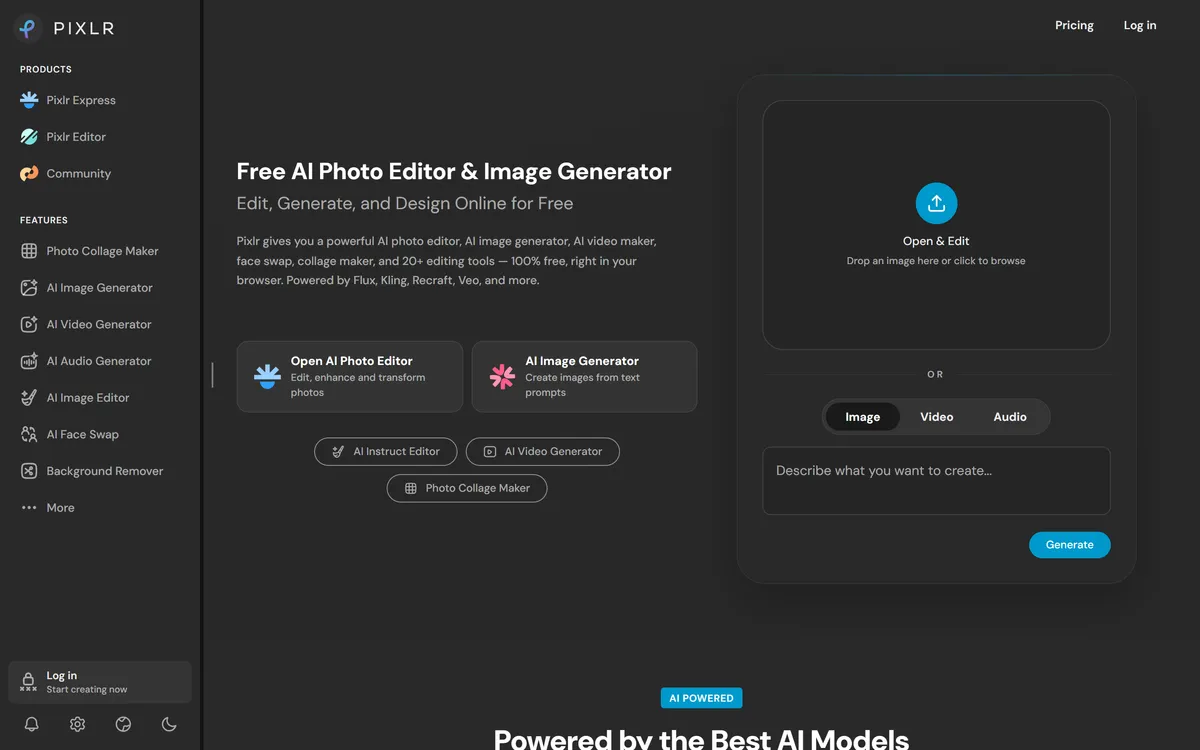
- AI features: AI credits: 80 a month on Plus and 1,000 on Premium.
- Best for: quick, cheap photo edits without installing anything.
- Price (checked November 2026): Plus $1.99 a month billed yearly or $2.49 billed monthly.
- Free plan: yes, an account with ads and limited saves.
- Watch out for: the AI allowance on Plus is small, so frequent AI use points to Premium and its 1,000 credits.
Free Canva alternatives
The free Canva alternatives with the most to work with are Adobe Express, VistaCreate and Kittl: Adobe Express and VistaCreate include templates and stock assets, and Kittl adds 100 one-time AI tokens and a commercial licence. Every free plan below is a real free plan, not a trial, and each has a catch.
| Tool | What the free plan includes | Main limit |
|---|---|---|
| Semurai (our product) | 2 AI images and 5 social posts a month, among other items | Paid plans add AI usage, storage and seats |
| Adobe Express | 5GB, 1M+ stock assets, scheduling to 1 account per social network, free daily generations | Brand kits, One-click Resize and 250 monthly credits are Premium |
| VistaCreate | 100K+ templates, 1M+ assets, 1 Brand Kit, 10 GB, social scheduling | The larger library is on Pro |
| Kittl | 100 AI tokens, standard templates, full commercial licence | The 100 tokens are one-time |
| Figma Buzz | 150 AI credits a day, up to 500 a month; Buzz beta on all seats | Beta; templates are built in Figma |
| Microsoft Designer | Monthly credits | Number not published; credits shared with Copilot |
| Visme | 500MB, 50 pages per project | Limited templates; no Brand Kit |
| Piktochart | 2 PNG downloads, 60 AI credits | Two downloads |
| Snappa | 3 downloads a month | Three downloads a month |
| Fotor | Limited credits, 512MB | Watermark-free and ad-free use are paid |
| Pixlr | A free account | Ads and limited saves |
| Affinity | The full desktop app for individuals | AI tools need a Canva premium plan |
Check the licence before you sell anything made on a free plan. Kittl's free plan includes a "Full commercial license", while Recraft's free plan is for personal use only, with public images and no commercial use. For comparison, Canva Free allows content to be used "for a wide range of personal and commercial uses", but not resold on its own, such as a single stock photo printed on a t-shirt (Canva's rules for products for sale).
Canva alternatives by use case
The right Canva alternative depends on what you design most: the best pick for social graphics is not the best for infographics, merch or video.
| Use case | Pick | Why |
|---|---|---|
| Social media graphics | Adobe Express, VistaCreate, Snappa | Templates and social scheduling on the free plans of Adobe Express and VistaCreate; Snappa for single quick images |
| Presentations and infographics | Visme, Piktochart | Built around data, charts and reports |
| Photo editing | Pixlr, Fotor, Picsart | Photo editors first, with AI on credits |
| Merch and print | Kittl, Affinity | Kittl includes a commercial licence even on Free; Affinity for professional print layouts |
| Video | Picsart, Kapwing, Semurai | Picsart edits video on mobile; Kapwing is a video editor (free with a watermark at 720p, Pro $16 a month billed annually, checked November 2026); Semurai exports designs as MP4 and GIF, and Dezaina designs video from a prompt |
| Brand templates for a team | Figma Buzz, VistaCreate | Locked templates built in Figma; VistaCreate Pro covers up to 10 seats |
| Design plus marketing in one place | Semurai | Canvas and Creative Studio next to agents that plan the posts, write the articles and keep the content calendar |
If you design mostly for social media and blog posts, our list of the best AI tools for content creation covers writing and video tools to pair with your design app.
How to choose a Canva alternative
Choose a Canva alternative by the job you design for most, then by who needs access and what the AI allowance covers.
- Start with the job: social posts, presentations, photos, merch or video. A specialist beats an all-rounder at its own job.
- Count the seats: Canva Business and Visme charge per person, Piktochart per member, while VistaCreate Pro covers up to 10 seats and Snappa's Team plan up to 5 users.
- Read the AI allowance: credits, tokens and generations differ by plan, and most free plans include only a small allowance.
- Check the licence if you sell what you make, especially on a free plan.
- Look past the design: if you also write the post, the article and the plan, a workspace that holds the design and the marketing saves the copy and paste between tools.
Updated 3 November 2026: first version. Prices checked on each vendor's pricing page in November 2026. Canva's prices change; the Canva prices here are the ones on canva.com in November 2026.
Frequently asked questions
What is the best alternative to Canva?
It depends on the job. If you want designs plus the posts and articles around them, Semurai (our product) puts a design editor and AI marketing agents in one workspace. Adobe Express is the closest all-round alternative to Canva, with templates, Firefly AI and a free plan. For a cheaper team plan, VistaCreate Pro covers up to 10 seats for $10 a month billed yearly.
Is there a free app like Canva?
Yes. Adobe Express, VistaCreate, Kittl, Visme and Microsoft Designer all have free plans with templates or AI credits. Each has limits, such as storage, downloads or a monthly AI allowance, so check what the free plan covers before you build your brand on it.
Is Adobe Express better than Canva?
It depends on what you need. Adobe Express Premium costs $9.99 a month against $18 for Canva Pro (US prices, November 2026) and suits teams that already use Adobe apps. Canva Pro lists 3.6M+ templates, Magic Resize and a social Content Planner. Try both free plans with one of your own designs before you decide.
What do professional designers use instead of Canva?
Professional designers usually work in full design apps rather than template editors. Affinity, owned by Canva and free for individuals, covers vector, photo and layout work. Teams that keep their brand system in Figma can use Figma Buzz to turn those designs into templates the rest of the team fills in.
Which Canva alternative is cheapest for a team?
VistaCreate Pro costs $10 a month billed yearly for up to 10 seats, and Snappa's Team plan costs $20 a month billed yearly for up to 5 users. Canva Business costs $25 a month or $250 a year per person (US prices checked November 2026), so the gap grows with every seat.
Can I sell designs made with a free Canva alternative?
Only if the free plan's licence allows it. Kittl's free plan includes a full commercial licence, while Recraft's free plan is for personal use only. Read the licence on the vendor's pricing page before you sell prints, merch or templates.