Marketing13 min read
AI marketing tools for small business: the right tool for each job in 2026
A small team does not need twenty AI tools. It needs one good tool for each job, a clear view of what the free plans really include, and a stack that fits the budget. Here is that view, checked in October 2026.
 BySemurai TeamThe people behind SemuraiPublished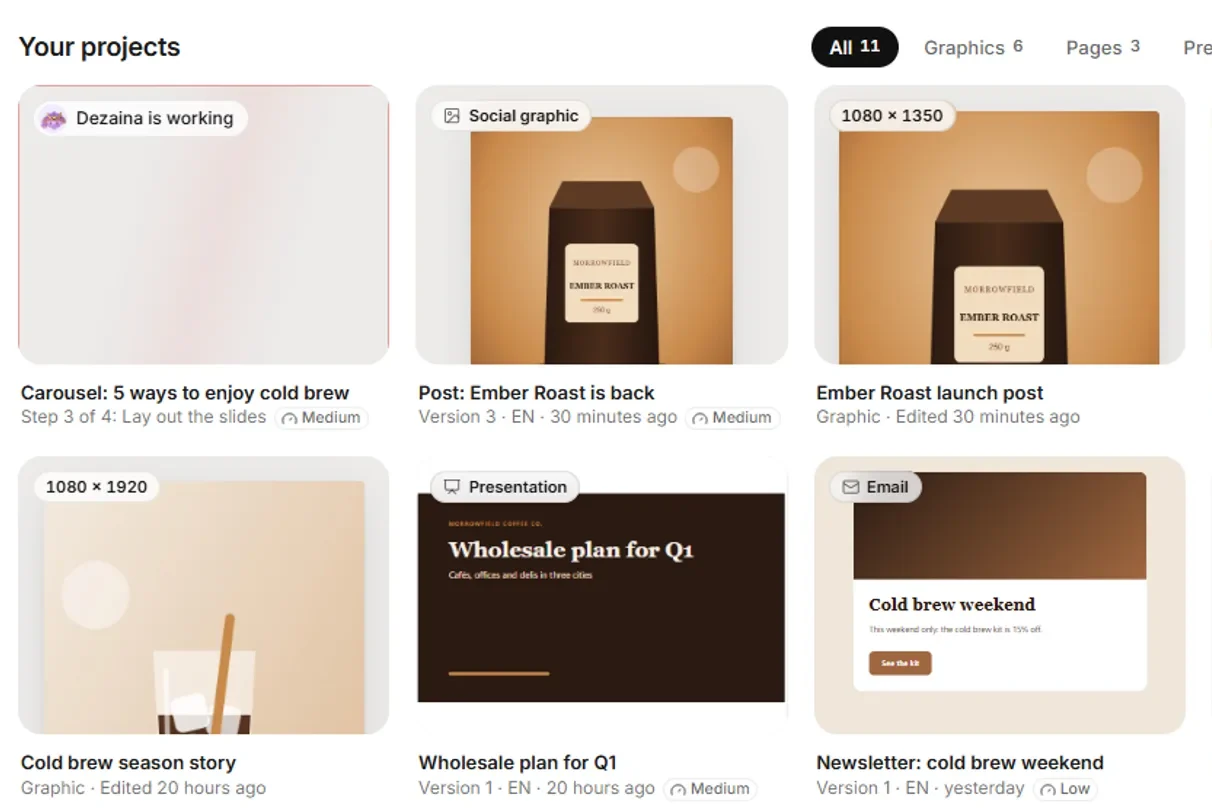
Quick answer
Pick one tool per job and start on free plans. For writing, a general assistant such as Claude or ChatGPT; for SEO data, Semrush (free plan) or Surfer for page optimisation. For design, Canva or Adobe Express. For social scheduling, Buffer. For e-mail, Mailchimp, or Klaviyo if you run an online store. For customer chat, Tidio. For analytics, Google Analytics and Search Console, both free. If you would rather have one team of AI marketing agents handle SEO, content, social and store SEO, and approve their work in one place, Semurai starts free.
The best AI marketing tools for small business by job
Each job, the tools that fit a small team, and what you pay to start. Detail and sources follow below. Semurai, our product, comes first in the profiles; the others follow the order of the jobs in the table. Prices and features as listed on each vendor's website in October 2026.
| Job | Tools | Free to start | Paid entry (checked Oct 2026) |
|---|---|---|---|
| Writing | Claude, ChatGPT, Jasper, Grammarly | Claude, Grammarly free plans; Jasper 7-day trial | Claude Pro $17-20/mo; Jasper $59-69/seat/mo |
| SEO | Semrush, Surfer, Search Console | Semrush free plan; Search Console free | Semrush SEO from $117.33/mo ($139 billed monthly); Surfer from €49/mo |
| Design | Canva, Adobe Express, AdCreative.ai | Adobe Express 30-day trial | Not verified (see profiles) |
| Social scheduling | Buffer | Buffer free plan | $5 per channel a month, billed yearly |
| Mailchimp, Klaviyo, ActiveCampaign, HubSpot | Mailchimp, Klaviyo, HubSpot free plans; ActiveCampaign 14-day trial | Priced by contacts; see profiles | |
| Customer chat | Tidio, HubSpot | Tidio and HubSpot free plans | Tidio Starter from $24.17/mo |
| Analytics | Google Analytics, Search Console | Both free | Free |
| All-in-one AI team | Blaze, HubSpot, Semurai | Blaze 7-day trial; HubSpot and Semurai free plans | Blaze $79/mo; Semurai $29-39/mo |
Free AI marketing tools: what the free plans include
Most free plans are real but small: they cap contacts, channels, conversations or reports. Here is what each free plan includes, from the vendor's own page.
| Tool | What the free plan includes | Source (checked October 2026) |
|---|---|---|
| Semurai | 1 seat, 10 tracked keywords, 250 MB and a monthly allowance (for example 30 agent replies, 1 SEO article, 5 social posts, 3 keyword reports, 1 technical audit, 2 AI images) | semur.ai/pricing |
| Semrush | 10 reports a day | semrush.com/prices |
| Buffer | Up to 3 channels, 10 scheduled posts per channel, 1 user, AI Assistant | buffer.com/pricing |
| Mailchimp | 250 contacts, 500 sends a month (250 a day), 1 seat; no automation flows, SMS or generative AI | mailchimp.com/pricing |
| Klaviyo | Up to 250 profiles, 500 emails a month, $5 of mobile messages and $5 of Composer usage a month | klaviyo.com/pricing |
| HubSpot Marketing Hub | Up to 2 users, 2,000 email sends a month and live chat, both with HubSpot branding | hubspot.com/pricing |
| Tidio | 50 billable conversations; your first 50 Lyro AI conversations free (lifetime) | tidio.com/pricing |
| Google Analytics | The tools "free of charge" | Google Marketing Platform |
| Google Search Console | "a free service offered by Google" | Search Console Help |
Claude and Grammarly also have free plans, and Adobe Express a 30-day trial; we left them out of the table because the pages we used do not list the free limits. We do not quote the Canva and ChatGPT free plans here: both pricing pages show their plans only in the browser.
Semurai (our product): eight AI agents with one approval
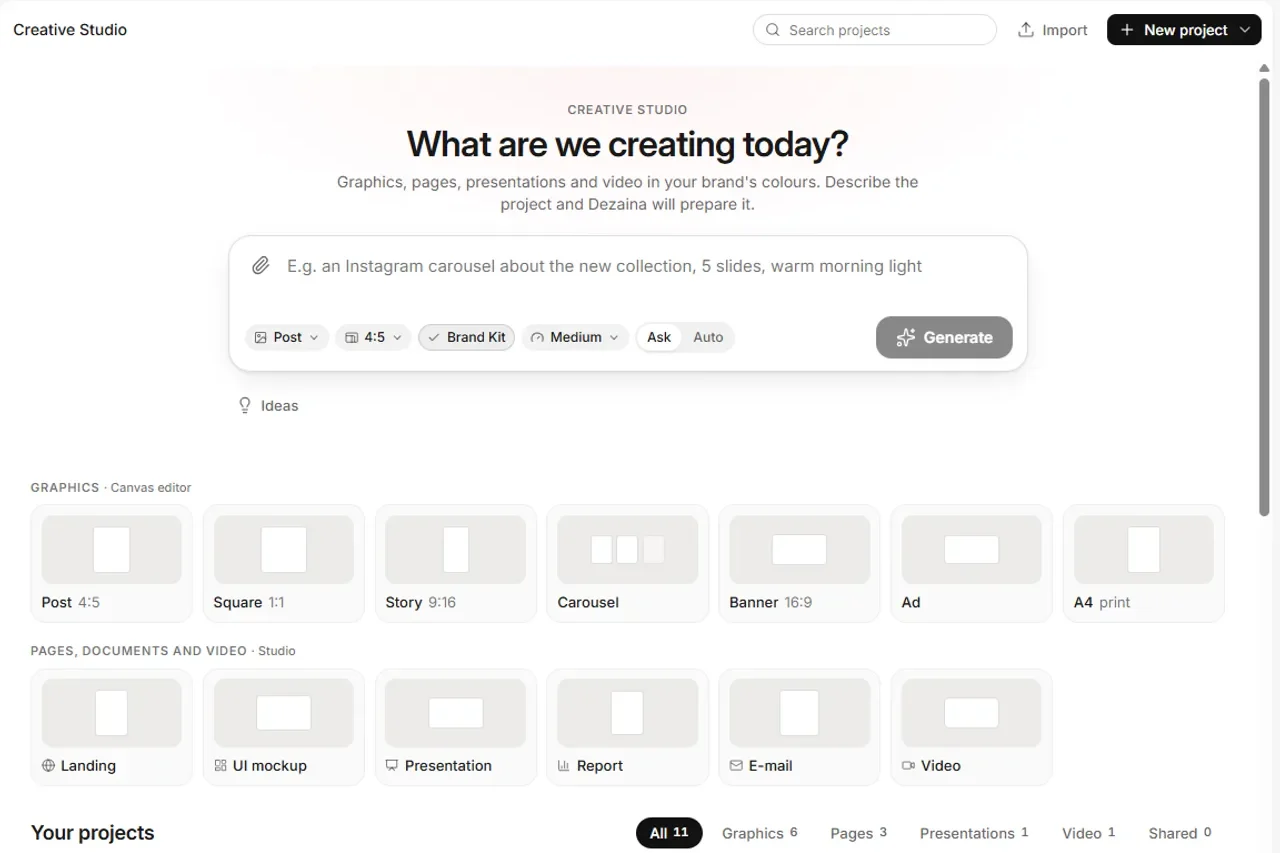
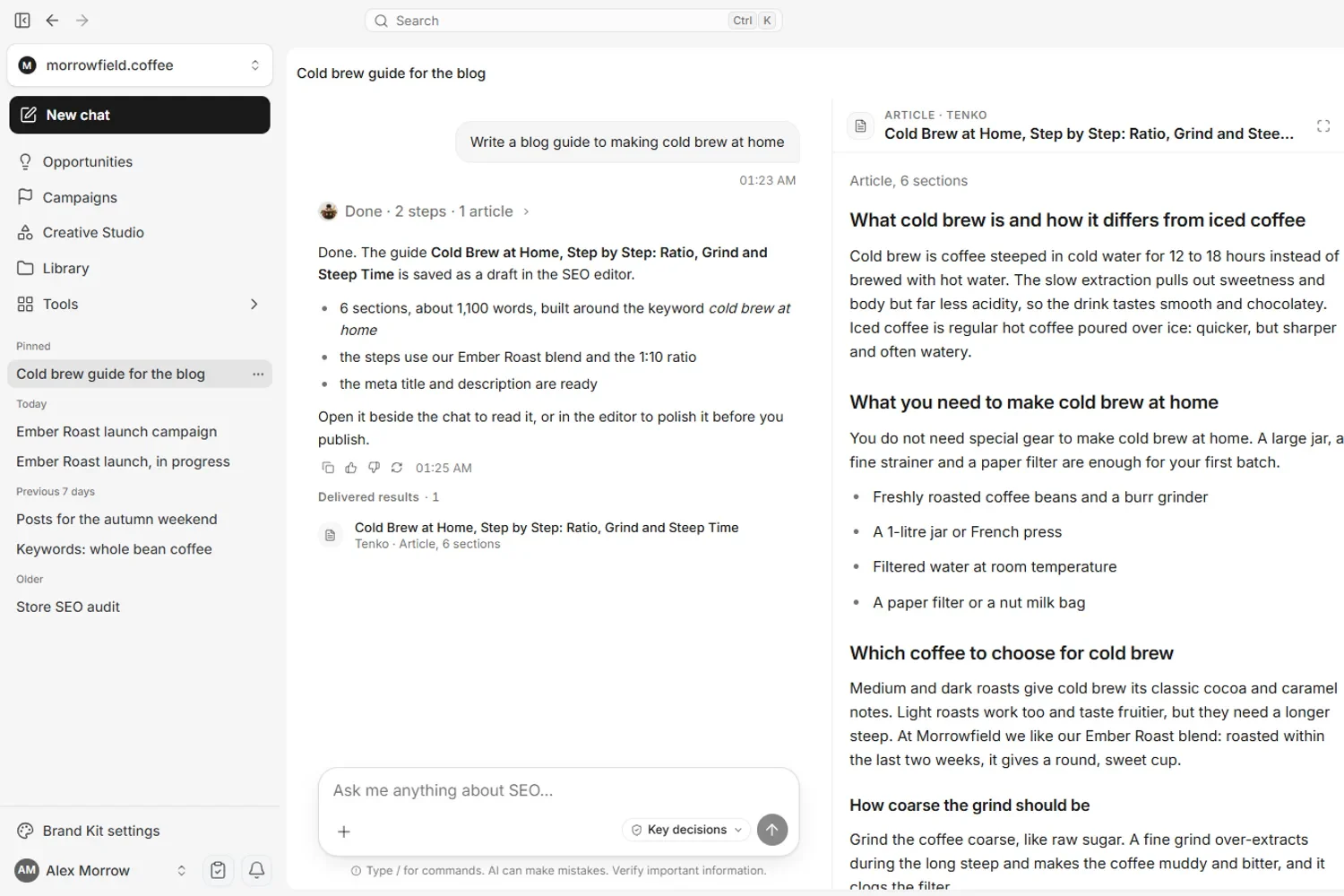
Semurai is a team of eight AI agents for SEO, content, social and store SEO. Semur plans the work; Keyres researches keywords, Tenko writes articles and product copy, Hime runs Health Score audits, Somi drafts social posts and Dezaina designs graphics. Agent proposals land on one approval card, and store descriptions wait in the store's To approve tab; publishing waits for your approval. The one exception: a campaign where you switch on autopublish yourself, for the WordPress site and social channels you choose. After your approval it publishes articles to WordPress, Shoper and PrestaShop, drafts and plans posts for Facebook, Instagram and LinkedIn in the content calendar, and sends product and category SEO changes to WooCommerce, Shoper and PrestaShop. Free plan; Starter $39 a month or $29 billed yearly; Growth $99 or $79 (net, checked October 2026). Best for small marketing and e-commerce teams that want one team of agents across jobs. Watch out for: Semurai drafts e-mails and ad graphics, so pair it with your e-mail tool and ads manager to send and run them.
RecordingTranscript
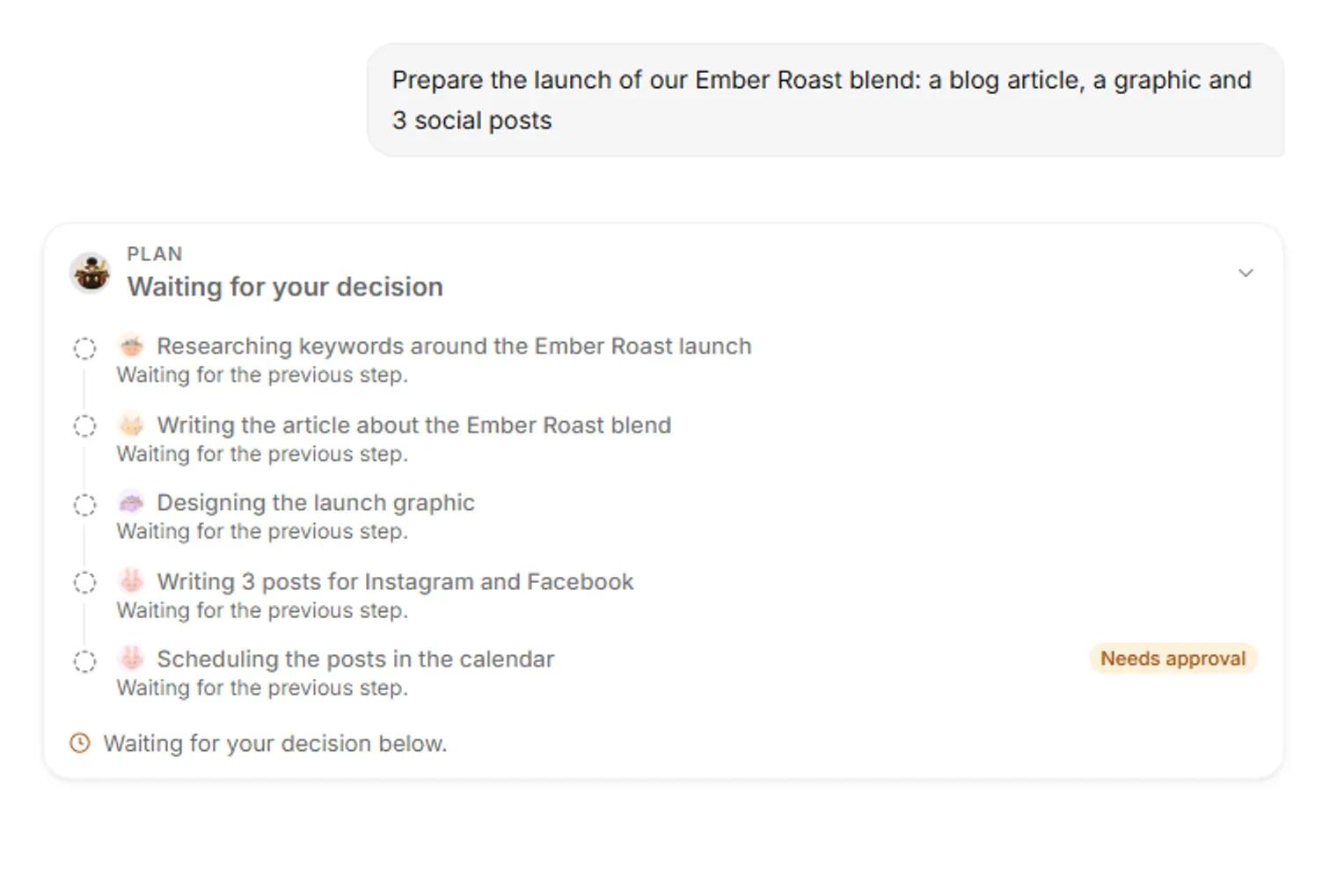
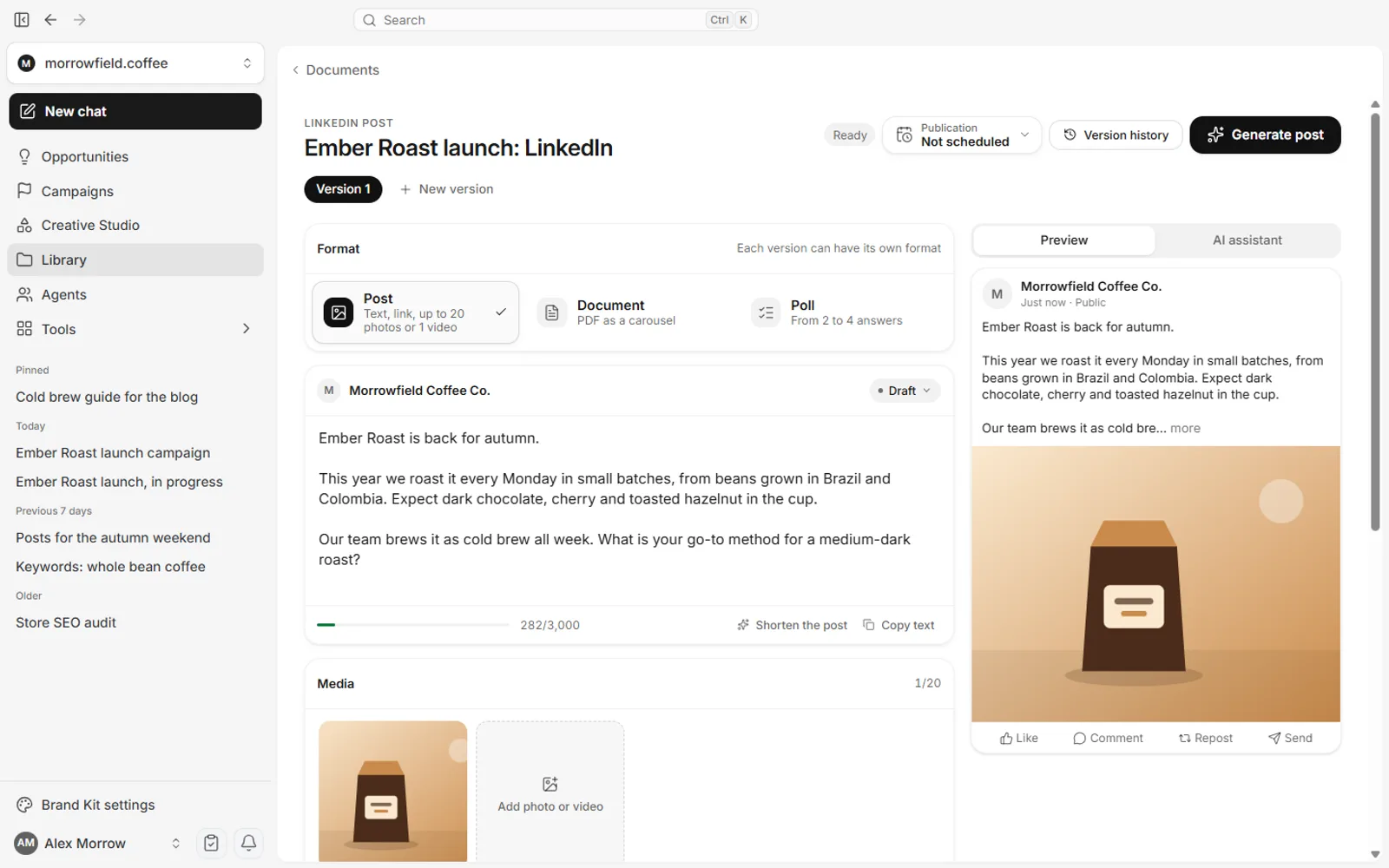
- Semur's plan for the Ember Roast launch waits for your OK
- Approve it, and Keyres starts with the keywords
- Tenko writes the article while Dezaina designs the graphic
- Somi writes 3 posts for Instagram and Facebook
- Scheduling the posts waits for your approval
- Each step shows its result: keywords, article, graphic, posts

Writing and SEO tools
Writing and SEO take the most hours in small business marketing, and they are where AI saves the most time, as long as someone checks facts before anything is published.
Claude and ChatGPT: general assistants for drafts
General AI assistants draft posts, e-mails, product copy and outlines from a prompt. Claude has a free plan, Pro at $20 a month or $17 billed yearly, and Team Standard at $25 or $20 per seat (claude.com/pricing, checked October 2026). For ChatGPT plans, see chatgpt.com/pricing. Watch out for (our assessment): neither brings keyword data or publishes to your site; you copy the text and do the rest. Connected to Semurai through an MCP server, both can work with live keyword data (ChatGPT on Pro, Business and Enterprise).


Jasper: brand voice for regular content
Jasper is a marketing content platform that keeps every draft in your brand voice, with agents for core marketing workflows on Pro. Pro costs $69 per seat a month or $59 billed yearly, with a 7-day trial; "over 30 languages" (pricing, checked October 2026). Best for a small team that writes every week. Watch out for: no free plan, and publishing happens in your other tools.

Semrush: keyword and competitor data
Semrush is an SEO and marketing data suite. The free plan allows 10 reports a day; the SEO plan costs from $117.33 a month ($139 billed monthly), with a 7-day trial (pricing, checked October 2026). Best for checking keywords and competitors before you write. Watch out for (our assessment): the paid plans are a big step for a small budget, so get the most out of the free reports first.

Surfer: optimise a page against Google results
Surfer scores your page against the pages ranking in Google and helps you fix gaps; it also writes with Surfer AI. The page showed EUR: Discovery €49 a month billed yearly or €59 monthly (pricing, checked October 2026). Best for a business that publishes articles and wants each one to compete. Watch out for: Surfer does not publish on its own.

Grammarly: cleaner copy everywhere
Grammarly is a writing assistant for checking and polishing your copy. It has a free plan; Pro was €12 a month on the page we saw (Grammarly plans, EUR shown, checked October 2026). Best as a final pass on e-mails, posts and pages.

Design tools
Design tools turn a brand into posts, ads and graphics without a designer for every piece. Prices are the hardest to compare here: Canva shows its prices only in your browser, and Adobe showed us a local currency.
Canva: the most listed design tool
Canva is a design suite with AI tools (Magic Studio), used by many small teams for social graphics. It appears on all five "AI marketing tools for small business" lists we read. Canva's pricing page shows prices only in the browser, in your local currency, so we do not quote them; check canva.com/pricing before you choose a plan.

Adobe Express: templates with Firefly
Adobe Express is a template design tool with Adobe's Firefly image generation and a 30-day trial. The pricing page showed us a local currency (INR), so we do not quote a USD price (pricing, checked October 2026). Best for teams that already use Adobe tools.

AdCreative.ai generates ad creatives and appears on two of the lists we read. Its homepage lists plans from $20 a month billed yearly, or $39 billed monthly (adcreative.ai, checked October 2026).

Social media scheduling
A scheduler lets you plan a week of posts in one sitting and publish on time without being online.
Buffer: the simplest free start
Buffer schedules posts to LinkedIn, Instagram, Facebook, TikTok, YouTube, Pinterest, X, Threads, Bluesky, Mastodon, Google Business Profile and Substack, with an AI Assistant. The free plan covers 3 channels, 10 scheduled posts per channel and 1 user. Essentials costs $5 per channel a month and Team $10, both billed yearly (pricing, checked October 2026). Best for owners who post on several networks. Watch out for: the price grows with every channel you add.

E-mail marketing
E-mail is the channel you own, and for many small businesses it brings back customers more reliably than social reach.
Mailchimp: e-mail for a first list
Mailchimp's free plan covers 250 contacts and 500 sends a month (250 a day) for 1 seat, without automation flows, SMS or generative AI. Paid plans (Essentials, Standard, Premium) are priced by contact count, with a 14-day trial on Essentials and Standard; the page showed us EUR prices; generative AI features come with Standard and above (pricing, checked October 2026). Best for a first newsletter. Watch out for: the AI features are not on the free plan.

Klaviyo: e-mail and SMS for online stores
Klaviyo is an e-mail and SMS platform for e-commerce. Its Composer agent builds flows and campaigns from a prompt, and it connects to Shopify, WooCommerce and 350+ other tools. Free: up to 250 profiles, 500 emails a month, $5 of mobile messages and $5 of Composer usage; paid prices are not published (pricing, checked October 2026). Best for stores that want abandoned-cart and post-purchase e-mails. Watch out for: build a price estimate before your list grows.

ActiveCampaign: automation-first e-mail
ActiveCampaign focuses on e-mail automation, with AI-powered automation and campaign builders and AI-suggested segments on Starter. There is no free plan, but a 14-day trial; the page did not show a price for 1,000 contacts when we checked (pricing, October 2026). Best for businesses that run many automated sequences.

HubSpot: free CRM with e-mail
HubSpot Marketing Hub Free covers up to 2 users and 2,000 e-mail sends a month with HubSpot branding. Starter was $7 per seat a month as a limited-time price for new customers (regular $20), including 1,000 marketing contacts (pricing, checked October 2026). Best if you also want a CRM. Watch out for: Professional jumps to $800 a month plus onboarding.

Customer chat
An AI chat answers common questions on your site at any hour and hands the rest to you.
Tidio: live chat with an AI agent
Tidio combines live chat with Lyro, its AI agent. Free: 50 billable conversations, and your first 50 Lyro AI conversations are free (lifetime). Starter is $24.17 a month billed yearly ($29 billed monthly), and Lyro on its own starts at $32.50 a month (pricing, checked October 2026). Best for shops and service businesses with repeat questions. Watch out for: AI conversations are counted, so watch usage as traffic grows. HubSpot's free plan also includes live chat, with HubSpot branding.

Analytics
Free analytics from Google covers what most small businesses need: where visitors come from and which searches bring them.


- Google Analytics: the tools "free of charge, to understand the customer journey", with machine learning for predictions (Google Analytics, checked October 2026).
- Google Search Console: "a free service offered by Google" that shows the queries, clicks and positions that bring people to your site (Search Console Help, checked October 2026).
All-in-one: an AI team instead of a tool stack
An all-in-one AI team replaces several single-job tools with agents that plan and create across jobs, so you manage one place instead of five logins.
Blaze: a weekly marketing autopilot
Blaze creates a brand identity, a content strategy and the first full week of posts, then autoposts once your accounts are connected; it lists "Review and approve before publishing" as a feature. Starter is $79 a month (3 posting accounts, 1 user), Growth $149, with a 7-day trial without a card (pricing, checked October 2026). Best for owners who want posts every week without planning them. Watch out for: one brand per workspace.

HubSpot with Breeze: agents inside a CRM
HubSpot's Agent Hub is available from Starter, and custom agents use HubSpot Credits; its Content Agent, which builds "blog posts, social content, and landing pages in your brand voice", is listed as Beta on the pricing page, so check which plan includes it (HubSpot AI, pricing, checked October 2026). Best if your contacts already live in HubSpot.

Comparing agent platforms in more depth? See ten marketing agents compared.
Budget stacks: $0, about $50 and about $150 a month
Here are three example stacks built only from the prices above (checked October 2026). Each covers writing, SEO, social, e-mail, chat and analytics; swap tools to match your channels.
| Budget | Single-job tools | With an AI team |
|---|---|---|
| $0 | Claude Free, Semrush Free, Buffer Free, Mailchimp or Klaviyo Free, Tidio Free, Google Analytics and Search Console | Semurai Free for SEO, articles, social post drafts and images, Buffer Free to publish the posts, plus Mailchimp or Klaviyo Free, Tidio Free, Google Analytics and Search Console |
| About $50 | Claude Pro ($17-20), Buffer Essentials for 3 channels ($15 billed yearly), Grammarly Pro (€12), free e-mail, chat and analytics | Semurai Starter ($29-39) to draft and plan posts, Buffer Essentials to publish them on 3 channels ($15 billed yearly), free e-mail, chat and analytics |
| About $150 | Semrush SEO (from $117.33; $139 billed monthly), Buffer Essentials for 3 channels ($15), Claude Pro ($17-20), free e-mail, chat and analytics | Semurai Growth ($79-99), Buffer Essentials for 3 channels ($15), Tidio Starter ($24.17), free e-mail and analytics |
Ranges show yearly billing first, then monthly. Paid e-mail plans are priced by contact count, so add them once your list outgrows the free plan.
How to start without wasting money
Start with the one job that costs you the most hours, use free plans for a few weeks, and pay only once a tool has saved you real time.
- One job first: pick the task that eats your week, such as posts, articles or support replies, and solve that before adding tools.
- Free plans before trials: trials end on a date; free plans let you learn at your pace. Start a trial only when you are ready to test daily.
- Monthly before yearly: yearly billing saves money only after you know you will keep the tool.
- No overlap: if one tool already publishes to a channel, do not pay another to do the same.
- Check what goes live without you: some tools post automatically. Decide where you want to approve before you connect your accounts.
- Watch the meters: contacts, channels, seats, credits and conversations are where small bills grow.
Updated 27 October 2026: first version. All free plans and prices checked on the linked vendor pages in October 2026.
Frequently asked questions
Which AI marketing tool should a small business buy first?
Buy for the job that takes most of your time, and only after a free plan has saved you real time. Popular picks are Canva for design, Buffer for social scheduling, Mailchimp or Klaviyo for e-mail and Semrush for SEO data. If you want one team of AI agents across SEO, content and social, with publishing waiting for your approval, Semurai is built for that.
How far can a small business get on free plans alone?
Quite far at the start. Semrush, Buffer, Mailchimp, Klaviyo, HubSpot, Tidio and Semurai all have free plans, and Google Analytics and Search Console are free, so a $0 stack can cover writing, SEO, social, e-mail, chat and analytics. The free plans cap contacts, channels, conversations or reports, so check the limits against your needs before you rely on one.
What does a $0, $50 or $150 AI marketing stack include?
A $0 stack runs on free plans, such as Claude, Semrush, Buffer, Mailchimp or Klaviyo, Tidio and Google's free analytics. About $50 a month adds Claude Pro, Buffer Essentials for 3 channels and Grammarly Pro, or Semurai Starter with Buffer. About $150 a month adds SEO data from Semrush or an AI team such as Semurai Growth, based on prices checked in October 2026.
Which marketing jobs should a small business keep in-house?
Keep the goals, the final check of facts and the approval of what is published. AI can do much of the hands-on work: drafts, posts, keyword research, scheduling and answers to common questions. Before you connect your accounts, decide where you want to approve, because some tools post automatically.
What is the best AI tool for social media for a small business?
For scheduling alone, Buffer is a simple start with a free plan for 3 channels. Blaze creates and posts content on a weekly rhythm. Semurai drafts posts for Facebook, Instagram and LinkedIn and plans them in a content calendar that waits for your approval. Pick by the networks you use and how much you want to review.